
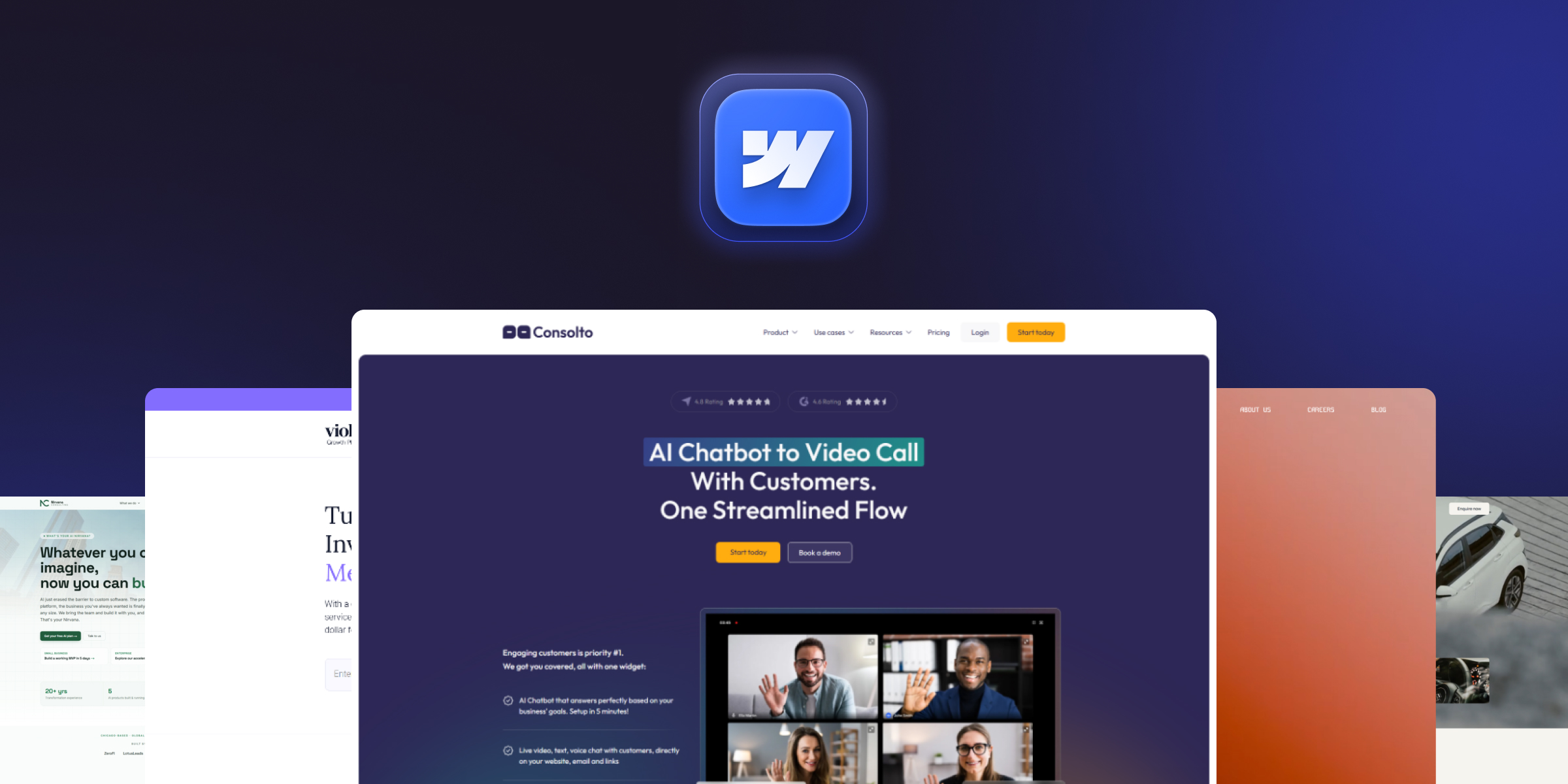
Can You Build a SaaS on Webflow?
You can build the marketing side of a SaaS entirely on Webflow and a simple product or app on Webflow when it’s combined with third-party tools for authentication, database, and logic. What Webflow does not do well is serve as the backend for a complex, high-scale application with heavy custom logic and large data volumes. So the honest answer is: marketing site = yes; simple app = yes, with add-ons; complex product = no, build it separately.
This distinction is the single most important thing to get right before you start, because it determines your whole architecture, and it’s where a lot of "Can Webflow do SaaS?” confusion comes from.
Webflow for the SaaS Marketing site vs. the SaaS App
- The marketing site (Webflow’s sweet spot): homepage, pricing, features, blog, docs, changelog, comparison pages, and landing pages-everything before login. Fast, on-brand, and editable by marketing without engineering.
- The app (behind login): the actual product a user logs into. This is usually custom-coded or built on an app framework; Webflow only fits here for lightweight tools via integrations.
Keeping the marketing site on Webflow and the app separate is the pattern most B2B SaaS companies use. It frees your engineers to focus on the product while marketing owns and iterates the site, the best of both worlds.
Pros of Using Webflow for SaaS
- Marketing autonomy: the growth team edits and ships pages without waiting on developers, so campaigns launch on marketing’s timeline, not the engineering backlog.
- Rapid prototyping & launch: new campaign and product pages go live in hours, not sprints.
- Design flexibility: custom interactions and polish that reflect a modern SaaS brand, without a template’s constraints.
- Clean, SEO-ready code: good Core Web Vitals and semantic structure out of the box, which matters for both rankings and AI citation.
- Integrations & extensibility: connect CRM, analytics, auth, and databases to add app-like functionality where you need it.
- Separation from the product: the marketing site isn’t coupled to the app codebase, so a marketing change never risks the product (and vice versa).
Cons and Limitations of Webflow for SaaS
- Scalability limits for a true app: CMS item caps and logic limits make Webflow unsuitable as a full product backend at scale.
- Dependency on custom code / third-party tools for app-like features such as authentication, databases, and payments.
- Subscription and plan constraints: costs rise with CMS items, bandwidth, and add-ons as you grow. See Webflow pricing.
- Technical restrictions: not every custom interaction or backend requirement is achievable natively without workarounds.
Understanding these limits up front lets you use Webflow where it shines and route around it where it doesn’t rather than forcing the platform to be something it isn’t.
How to Build a SaaS Website on Webflow: Step by Step
- Define the concept & requirements: map which parts are the marketing site versus the product app and your conversion goals.
- Design the UI in Webflow: establish brand, layout, and interactions.
- Structure the CMS: set up collections for blog, changelog, docs, and case studies so content scales.
- Add app-like features via integrations (if needed): Memberstack (membership/auth), Xano or Supabase (database/backend), Wized (app logic), Stripe (payments).
- Connect your stack: HubSpot, analytics, and CRM.
- Set up hosting & domain: Webflow hosting plus a custom domain.
- Optimize for SEO/AEO & speed: add schema, self-contained answers, and fast Core Web Vitals.
- Test, launch, and iterate: Run A/B tests and improve conversion over time.
Read More: Connect custom domain Webflow
Tools & Alternatives to Extend Webflow for SaaS
When you need more than a marketing site, these are the common ways SaaS teams extend Webflow:
- Membership / auth: Memberstack, Outseta.
- Database / backend: Xano, Supabase, Airtable.
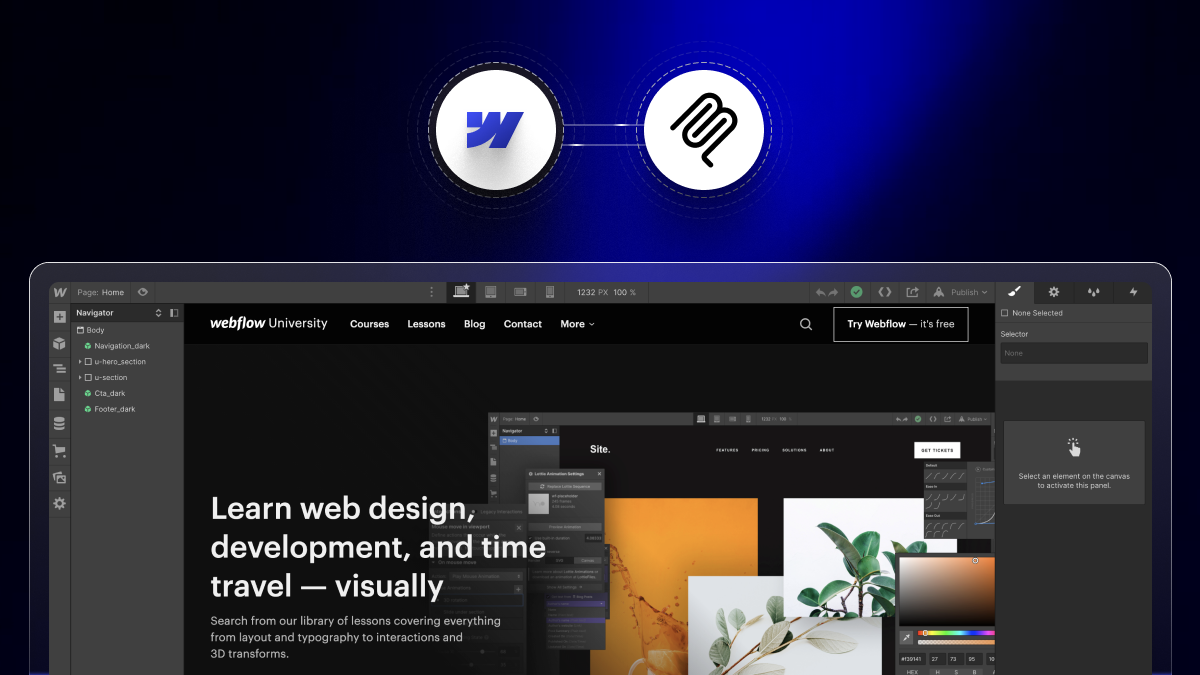
- App logic: Wized, Make (Integromat).
- Payments: Stripe.
- When Webflow isn’t enough: build the product in a custom stack or a framework like Next.js, and keep Webflow for the marketing site. This hybrid is the norm for scaling SaaS.
Is Webflow good for SaaS SEO and AI search?
Yes, Webflow is well-suited to SaaS SEO and AI search because it produces clean HTML, supports custom schema, and makes it easy to publish CMS-driven content (blogs, comparisons, glossaries) that ranks and gets cited by AI engines. For a SaaS company, that content engine is a major growth lever. Comparison pages, use-case pages, and a glossary around your category capture buyers at every stage. The differentiator is building it correctly: schema, self-contained answers, and a deliberate content cluster.
What Makes a High-Converting B2B SaaS Webflow Site?
A high-converting B2B SaaS site combines fast load times, a clear above-the-fold value proposition, strong social proof (customer logos, case studies with metrics), and frictionless demo or trial CTAs all editable by marketing. Build essentials:
- Fast Core Web Vitals: optimized images, minimal heavy embeds.
- A CMS-driven content engine: blog, comparisons, and use-case pages at scale.
- Proof blocks: customer logos, quantified case studies, testimonials.
- Clear conversion paths: demo/booking CTAs, and ongoing A/B testing.
- Clean integrations: HubSpot, analytics, and CRM connected properly.
- Schema & AEO: structured data so AI cites you for category queries.
Webflow vs Other Platforms for a SaaS Site
- Webflow vs WordPress: Webflow gives marketing more autonomy and cleaner performance with less maintenance and no plugin sprawl; WordPress wins only if you need a specific plugin ecosystem or heavy custom backend.
- Webflow vs Framer: both are strong modern builders; Webflow has the more mature CMS and larger ecosystem for content-heavy SaaS sites, while Framer is quick for simpler, design-forward pages.
- Webflow vs custom code: custom code is right for the product but overkill for a marketing site Webflow ships faster, costs less to maintain, and hands control to marketing.
For most B2B SaaS marketing sites, Webflow is the pragmatic choice: fast to build, easy to iterate, and strong for SEO and AI visibility.
How Long Does a SaaS Webflow Site Take to Build?
A B2B SaaS marketing site on Webflow typically takes 4–8 weeks for a standard build and 8–14 weeks for a larger site with a full content engine, migration, and integrations. Timelines depend most on how ready your content, brand, and messaging are. A company that comes in with clear positioning and copy moves far faster than one still figuring those out during the build.
Webflow SaaS Templates vs a Custom Build
You can start a SaaS site from a Webflow templates or build custom. Templates (SaaS-specific ones from the Webflow marketplace or third parties) are fast and cheap and fine for an early MVP or a scrappy launch, but they limit differentiation and can get messy to extend as you grow.
A custom build costs more up front but gives you a unique brand, clean structure your team can scale, and full control over conversion and SEO. Most funded SaaS companies outgrow templates quickly, because their marketing site needs to stand out and support a growing content engine. A common path: launch on a template, then rebuild custom once you’ve validated the market. When you’re ready for that rebuild, our SaaS Webflow agency team builds custom marketing sites designed for trials and demos.
A Content Strategy for SaaS Marketing Sites
Webflow’s real SaaS advantage shows up over time, through content. Because marketing can publish without engineering, a SaaS site on Webflow can run a full content engine that compounds:
- Comparison pages (“[Your product] vs [competitor]”): high buyer intent.
- Use-case and industry pages: capture segment-specific search.
- A glossary / learn hub: definitional content that earns AI citations.
- Customer stories" proof that converts and ranks.
Structured with schema and self-contained answers, this cluster ranks in Google and gets cited by AI answer engines, the exact play in our AEO guide.
Common Mistakes SaaS Teams Make on Webflow
- Trying to build the app in Webflow. Keep the product in a real app stack; use Webflow for marketing.
- Ignoring Core Web Vitals. Heavy hero videos and unoptimized images tank performance and rankings.
- No CMS structure. Hard-coding pages instead of using collections makes the site impossible to scale.
- Skipping schema/SEO at launch. Retrofitting technical SEO later is slower than building it in.
- Over-relying on a template. It’s fine to start, but plan for a custom rebuild as you scale.
Should You Hire a Webflow Agency for Your SaaS Site?
Hire a Webflow agency for your SaaS site when you need it built fast, on-brand, and SEO/AEO-ready without pulling engineers off the product. A specialized B2B SaaS agency brings proven patterns for pricing pages, comparison pages, integrations, and conversion structure, plus the technical SEO most in-house teams don’t have time to perfect. See our Webflow development agency and compare options in our best Webflow agencies, or read how to choose one.
Conclusion
Webflow is one of the best platforms available for a B2B SaaS marketing website, fast to build, easy for marketing to iterate, and strong for SEO and AI visibility as long as you keep the actual product in a proper app stack and use Webflow for everything before login. Start with a template if you’re validating, move to a custom build as you scale, invest in a real content engine, and get the technical SEO and AEO right from day one. Do that, and your marketing site becomes a compounding growth asset rather than a static brochure.
FAQs
1. Can you build a SaaS with Webflow?
You can build the marketing site of a SaaS entirely on Webflow and a simple app when paired with tools like Memberstack, Xano, or Wized, but Webflow is not suited to be the backend of a complex, high-scale SaaS product.
2. Is Webflow good for SaaS websites?
Yes, Webflow is well-suited to SaaS marketing sites because it lets marketing teams publish and edit pages without engineering, produces clean SEO-ready code, and supports the design and interactions SaaS brands need to convert.
3. Why do SaaS companies use Webflow?
SaaS companies use Webflow to give their marketing team autonomy over the website, ship campaign and product pages quickly, keep the marketing site separate from the app codebase, and maintain strong SEO and page speed.
4. Can Webflow replace a SaaS app or product?
No, Webflow can power a lightweight tool via integrations, but it can’t replace a complex, scalable SaaS application backend; most companies build the app separately and keep the marketing site on Webflow.
5. Is Webflow good for SaaS SEO?
Yes, Webflow produces clean semantic HTML, supports custom schema, and makes CMS-driven content easy to publish, helping SaaS sites rank and get cited by AI when built with proper technical SEO and AEO.
6. What tools do I need to build a SaaS app on Webflow?
To add app-like features on Webflow, you typically use Memberstack or Outseta for auth, Xano or Supabase for a database, Wized for logic, and Stripe for payments; for a complex product, build the app in a custom stack and keep Webflow for marketing.

.jpg)