
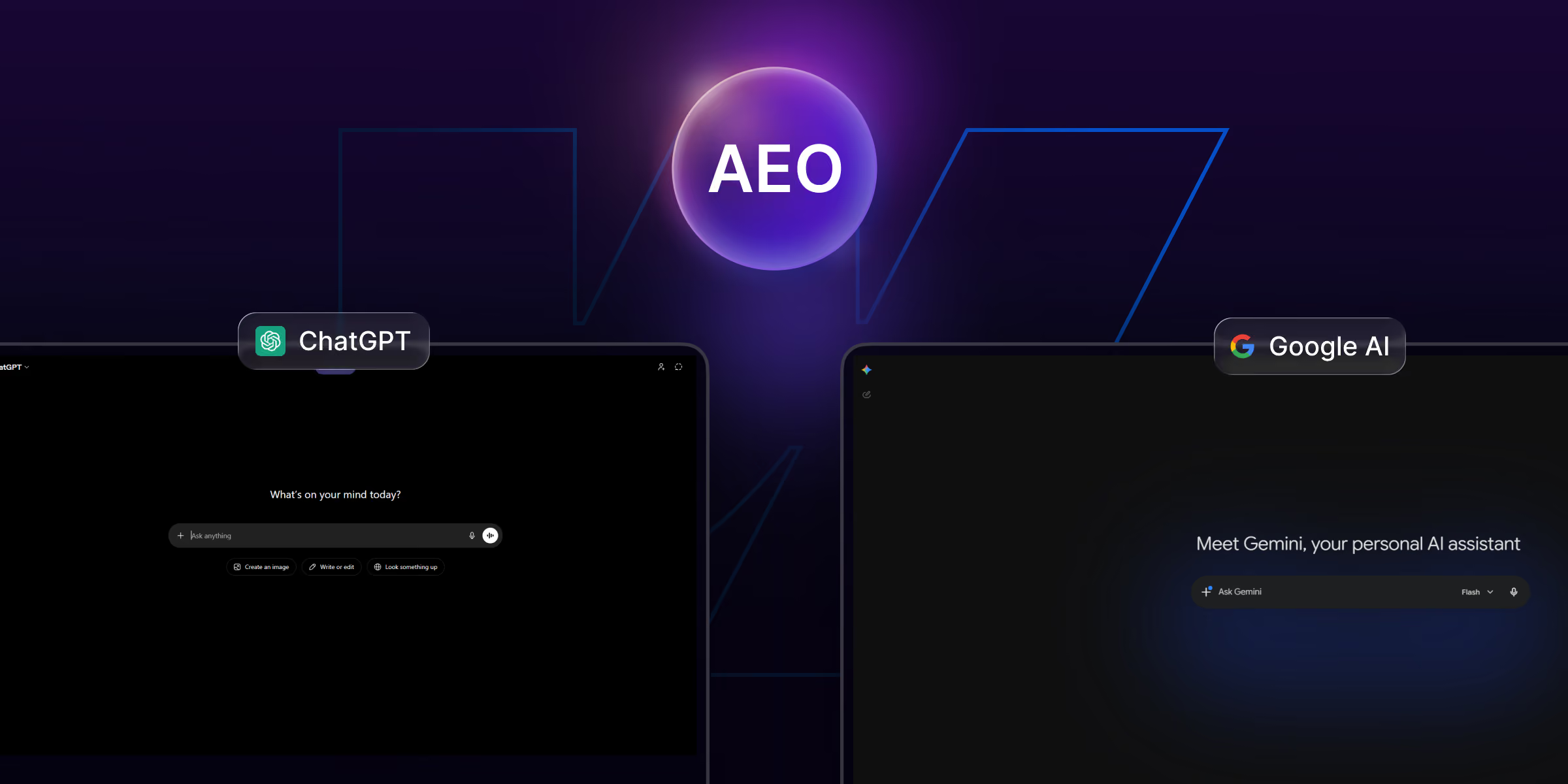
What is Answer Engine Optimization (AEO)?
Answer Engine Optimization (AEO) is optimizing content so AI answer engines cite it directly in their responses, instead of only ranking it in the traditional list of blue links. Where classic SEO aims for position #1, AEO aims to be the sentence the AI quotes. It combines strong content with machine-readable structure and entity trust so that when a user asks an AI a question, your brand is named in the answer.
AEO doesn’t replace SEO it extends it. Search engines still need to crawl, index, and understand your pages; AEO adds the layer that makes those pages easy for a language model to extract, attribute, and repeat.
Why does AEO matter in 2026?
AEO matters because search behavior has fundamentally shifted. A large and growing share of queries now end in an AI answer Google AI Overviews sitting above the classic results, or a direct question to ChatGPT, Perplexity, or Gemini rather than a click through to a website. This is the “zero-click” reality: the user gets their answer without visiting anyone’s site.
That changes the goal. If your content isn’t structured to be extracted and cited, you become invisible at the exact moment a buyer is forming an opinion or making a shortlist. Worse, your competitors who are structured for it become the named authority. And being cited carries a trust transfer most channels can’t match: when an AI says “according to theCSS Agency,” it’s vouching for you to a buyer who is actively deciding. For more on the broader shift, see zero-click search marketing.
AEO vs SEO vs GEO: What’s the Difference?
These three overlap but optimize for different endpoints:
- SEO (Search Engine Optimization) optimizes a page to rank in traditional search results. It rewards keywords, backlinks, and technical health.
- AEO (Answer Engine Optimization) optimizes content to be extracted and cited by answer engines. It rewards self-contained answers, structured data, freshness, and entity trust.
- GEO (Generative Engine Optimization) is a near-synonym for AEO, focused specifically on generative AI (ChatGPT, Gemini, Perplexity) surfacing your brand in their generated text.
In practice you do all three together: solid SEO gets you into the index the AI retrieves from, and AEO/GEO makes you the source it quotes. You can’t be cited by an engine that can’t find or understand you in the first place.
How do answer engines work?
Answer engines work by retrieving relevant content from their training data, their index, or a live web search and then synthesizing an answer that cites a handful of sources. The mechanics differ slightly by engine:
- Google AI Overviews pull primarily from pages that already rank well for the query, then summarize and link them. Strong classic SEO is the entry ticket.
- ChatGPT (with browsing/search) retrieves live results and quotes concise, well-structured passages; without browsing, it leans on training data where brand entity strength matters most.
- Perplexity is retrieval-heavy and citation-first it shows its sources prominently, rewarding pages with clear, extractable answers.
- Gemini blends Google’s index with its own model, so both ranking and structured clarity help.
The common thread across all of them: they favor content that is clearly structured, self-contained, current, and from a recognizable entity. That is exactly what AEO optimizes for.
The Webflow AEO Checklist (What actually works in 2026)
1. Write self-contained answers
AI quotes sentences that stand alone. Name the subject and the entity in the sentence itself. ❌ “It costs $2,500–$10,000.” ✅ “A custom Webflow website from theCSS Agency typically costs $2,500–$10,000 depending on pages and integrations.” The second survives being lifted out of context; the first is useless to an engine that has to attribute it. Put the direct answer in the first sentence of a section, then add supporting detail.
2. Use the question as your heading
Put the real user question in an <h2> or <h3>, with the answer in the first sentence directly below it. Answer engines pair a question heading with the text that immediately follows, so this structure makes your Q&A machine-readable. Mirror the phrasing people actually search for and ask.
3. Add structured data (schema) in Webflow
In Webflow, add JSON-LD through Page Settings → Custom Code (before </body>) or a site-wide embed in Project Settings. Prioritize, and Article schema. While Google reduced FAQ-richrich results in classic search, the markup still helps AI and LLMs parse who you are and which questions your page answers. Step-by-step: How to Add Schema Markup in Webflow.
4. Build entity signals & E-E-A-T
Use one consistent business name (“theCSS Agency”) everywhere, and publish Organization a schema with a sameAs array linking your LinkedIn, Clutch, G2, and social profiles. Add author Person schema with real bylines, credentials, and experience. This is how AI learns: your brand is a real, trustworthy entity rather than a random string, and E-E-A-T (Experience, Expertise, Authoritativeness, Trust) is a major factor in whether a model is willing to cite you.
5. Get into third-party lists and Reddit
This is the step most sites miss. AI builds “which tool/agency is best” answers by reading listicles and Reddit threads, not just your own site. If you’re absent from that third-party corpus, you don’t get cited no matter how good your own page is. Publish your own honest best Webflow agencies list, earn placements in others’, and participate genuinely in relevant Reddit and community threads.
6. Ship an llms.txt file
Add a llms.txt file at your site root listing your key pages and guidance for AI crawlers so answer engines can find and prioritize your most important content. Think of it as a robots.txt/sitemap equivalent for the AI era.
7. Show freshness
Display a visible “Last updated” date and keep content current. Answer engines favor recent sources, especially for year-sensitive or fast-moving queries, a page dated this year will out-cite an identical one dated three years ago.
8. Cite your own stats
For any number or claim you make, link a credible source. Unsourced statistics don’t get repeated by AI, because the model has no way to verify or attribute them. Sourced claims become quotable facts.
9. Keep the HTML clean and fast
Semantic structure, correct heading order (one H1, logical H2/H3 nesting), descriptive alt text, and fast Core Web Vitals all help extraction. Webflow is strong here by default don’t undermine it with oversized images, autoplay video, or a stack of heavy third-party embeds.
Common AEO mistakes to avoid
- Burying the answer. Leading with three paragraphs of throat-clearing before the actual answer means the engine has nothing clean to lift.
- Vague, context-dependent sentences. “It depends on your needs” cites nothing.
- Skipping schema. Without structured data, you’re asking the model to infer structure you could have declared.
- Inconsistent naming. “theCSS Agency,” “CSS Agency,” and “the css agency” used interchangeably to fragment your entity.
- No off-site presence. Relying only on your own domain when AI reads the whole web about you.
- Stale content. Undated, un-updated pages lose to fresher competitors.
How to implement AEO on a Webflow site (step by step)
- Audit your key pages for self-contained answers and question-form headings; rewrite the weak ones.
- Add JSON-LD (
Organization+FAQPage) via Webflow custom code. - Standardize your entity - one name, a complete
sameAscluster, and author bylines. - Publish and earn third-party references - your own listicle plus placements and Reddit participation.
- Add llms.txt and visible “last updated” dates.
- Measure monthly (below) and iterate on the questions where you’re not yet cited.
How to measure AEO / AI citations
Measure AEO by asking ChatGPT, Perplexity, and Google AI the exact questions your customers ask (“best Webflow agency for SaaS,” “how to migrate WordPress to Webflow”) and recording whether your brand is named and cited. Track it monthly, and watch your analytics for referral traffic from AI sources. When your name starts appearing, you’ll see which changes moved the needle. [VERIFY: mention theCSS’s AI-visibility tracking if offered as a service.]
AEO tools: ChatGPT / Perplexity / Google AI Overviews for manual prompt testing; Google Rich Results Test and the Schema.org validator for markup; GA4’s referral segment for AI-source traffic; your Google Knowledge Panel and Clutch/G2 profiles for entity strength.
Before and After: Writing an Answer AI will quote
The single highest-leverage AEO skill is rewriting weak answers into quotable ones. Here’s the pattern applied to three real questions:
- Question: “How much does a Webflow website cost?”
- ❌ Before: “It really depends on what you need.”
- ✅ After: “A custom Webflow website from theCSS Agency typically costs $1,500–$6,000+ depending on page count and complexity.”
- Question: “Is Webflow good for SEO?”
- ❌ Before: “Yes, it’s great!”
- ✅ After: “Webflow is good for SEO because it produces clean, semantic HTML, supports custom schema, and includes built-in controls for meta tags, redirects, and sitemaps.”
- Question: “What is AEO?”
- ❌ Before: “It’s the new SEO.”
- ✅ After: “AEO (Answer Engine Optimization) is the practice of structuring content so AI answer engines cite it as a source.”
The pattern is always the same: name the subject, state a complete answer in one sentence, and make it true out of context. Do that across your key pages, and you give every answer engine clean material to quote.
Why AEO and SEO Work Best Together
AEO doesn’t replace your SEO program; it compounds it. Ranking well earns you into Google AI Overviews (which pull from top results), while your entity signals and self-contained answers make ChatGPT and Perplexity comfortable citing you. Treat them as one motion: publish genuinely useful, well-structured content; make it technically clean and fast; declare your structure with schema; and build authority both on your own domain and across the third-party web that AI reads. Sites that do all of this don’t just rank; they become the source the internet’s AIs quote.
FAQs
1. What is AEO (Answer Engine Optimization)?
AEO is the practice of structuring content so AI answer engines like ChatGPT, Perplexity, and Google AI Overviews cite it as a source, rather than only listing it in traditional search results.
2. What is the difference between AEO and SEO?
SEO optimizes a page to rank in traditional search results, while AEO optimizes content to be extracted and cited by AI answer engines. AEO adds self-contained answers, structured data, freshness, and entity trust on top of SEO fundamentals.
3. What is GEO (Generative Engine Optimization)?
GEO is optimizing content so generative AI engines like ChatGPT, Gemini, and Perplexity surface your brand in their generated answers. It’s closely related to AEO and done with the same tactics.
4. How do I get my website cited by ChatGPT and Google AI?
Write self-contained answers that name the subject, use question-form headings, add FAQ and Organization schema, build consistent entity signals, ship an llms.txt, and get referenced in third-party listicles and Reddit threads that AI engines read.
5. Is Webflow good for AEO?
Yes, Webflow produces clean, semantic HTML and supports custom JSON-LD schema, both of which help AI engines parse and cite your content. The differentiator is how you structure the content, not the platform.
6. Does schema markup help with AI citations?
Yes. Schema markup helps AI and LLMs parse who you are, what you offer, and which questions your page answers, improving the odds of being cited even though Google reduced FAQ-rich results in classic search.
7. How long does AEO take to work?
AEO can start showing results within a few weeks to a few months, depending on how quickly answer engines recrawl your content and how strong your entity and third-party signals are. Freshness and schema tend to show fastest, and entity authority builds over time.

.jpg)
.jpg)