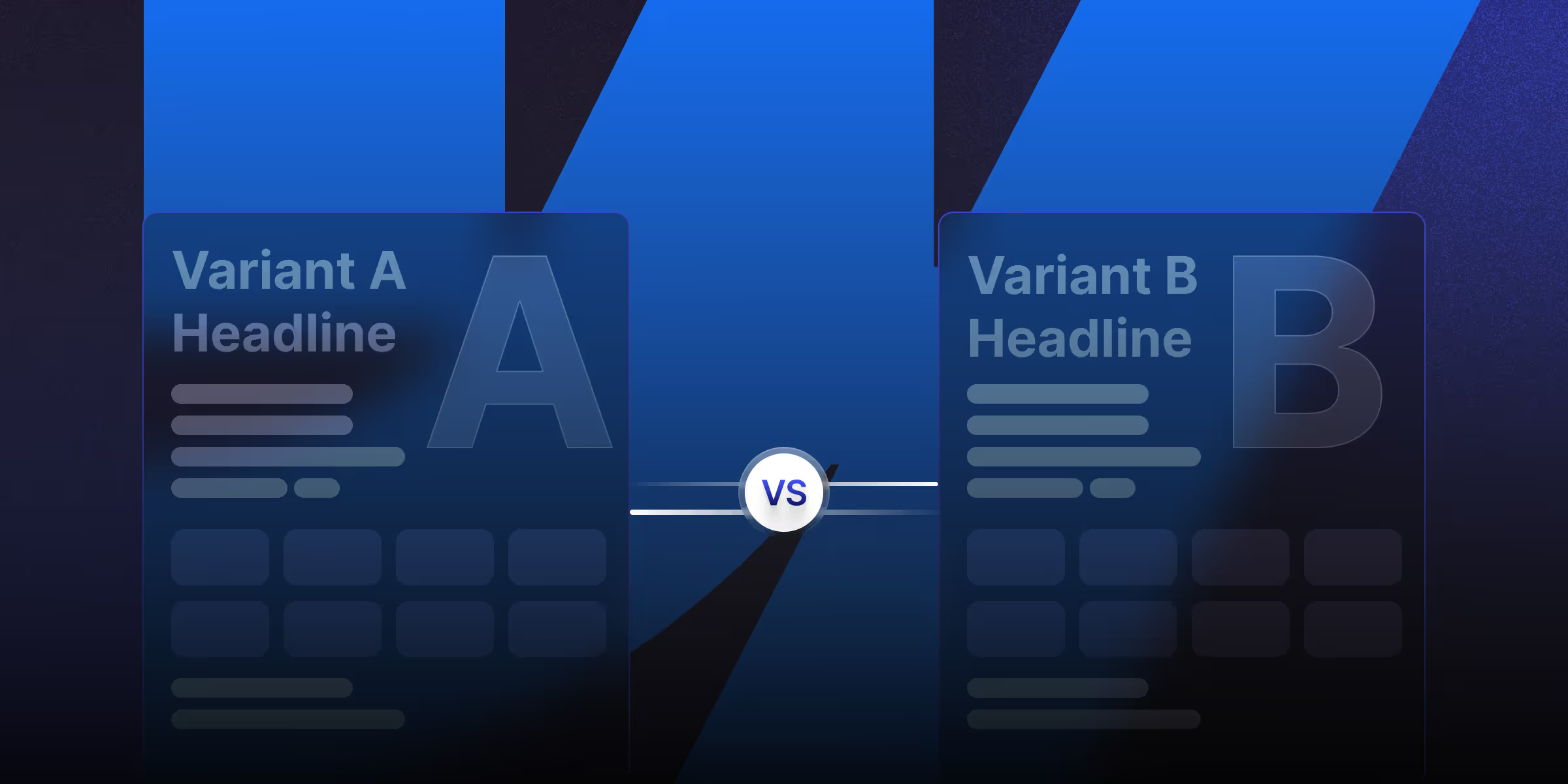
- A/B testing removes guesswork from design decisions, instead of relying on trends or opinions.
- Test one element at a time for clear insights. Focus on high-impact parts like headlines, CTA buttons, hero images, and form fields.
- Run tests long enough to get valid data. Most tests require at least 2 weeks and 1,000 conversions per variation.
- Speed and mobile experience affect test accuracy.
Table of content
Key takeaways
To run A/B tests on Webflow: integrate a tool like VWO, Optimizely, Convert, or Google Optimize alternatives (Optimize was sunset in September 2023). For lightweight tests, use Webflow Native A/B Testing (Workspace plans) or Mida (built specifically for Webflow).
Add the tool's tracking script in Project Settings → Custom Code, define your variants in the tool's dashboard, run tests for at least 2-4 weeks for statistical significance.
What Is A/B Testing?
A/B testing on Webflow lets you compare two versions of a page, hero section, headline, or CTA to see which performs better measured by clicks, signups, conversions, or revenue. Unlike WordPress (where most A/B tools work natively), Webflow requires a third-party integration or Webflow's own native testing feature on Workspace plans.
The right setup depends on your traffic volume, what you're testing, and whether you can tolerate the performance cost of a tracking script.
Why Does A/B Testing Matters?
Because it helps with data-driven decisions that allow user behavior, optimize conversion rates, and improve customer experience by comparing two versions.
Unlike template builders that limit your options, Webflow lets you test every element while keeping your site fast and professional.
Let's start with the basics of A/B testing and why it works.
Best A/B testing tools for Webflow in 2026
The Webflow A/B testing options have grown. You can use native solutions or third-party tools.
1. OptiBase
OptiBase is the only A/B tool made just for Webflow. It offers native integration and Webflow-friendly features.
Benefits:
- Simple setup with no coding
- Webflow-specific templates
- Visual editor for variations
- Built for Webflow workflows
Pricing: Plans start at $19/month (annual billing). Good for small to medium businesses. Scales to $79/month for larger sites.
How to Set Up:
- Sign up for OptiBase
- Add tracking code to your site
- Create test variations
- Launch and monitor results
2. VWO (Visual Website Optimizer)
VWO provides full A/B testing features for complex campaigns.
Strengths:
- Advanced targeting rules
- Multivariate testing
- Heatmaps and session recordings
- Detailed analytics reports
Webflow Setup: Needs custom code but offers extensive options for complex tests.
Pricing Plan: Free up to 50K MTUs, paid from $250/month. Visual editor, heatmaps, multivariate testing.
3. Hotjar
Hotjar shows user behavior that helps inform your tests.
What It Does:
- Heatmaps show where users click
- Session recordings capture user journeys
- Surveys collect direct feedback
- Funnel analysis finds drop-off points
For A/B Testing: Hotjar isn't a direct test tool. But it provides behavior data that shapes test ideas and validates results.
4. Statsig: Feature flags + A/B testing with visual editor
Statsig is a product analytics platform that includes feature flags, A/B experiments, and a visual editor that works with Webflow via a JavaScript snippet. Statsig's Webflow integration uses their "Sidecar" visual editor install it by adding Statsig's script to your site header, then use the Sidecar extension to create visual variations without coding.
- Free tier: Up to 1M events/month — sufficient for most Webflow sites
- Best for: Teams that want feature flags and A/B testing in one tool, or already use Statsig for product analytics
- Webflow setup: Add Statsig's initialization script to Site Settings → Custom Code → Head Code; use Sidecar for visual variations
5. PostHog: Open-source A/B testing for Webflow
PostHog is an open-source product analytics platform with built-in A/B testing (called "experiments"). It integrates with Webflow via a single JavaScript snippet and is free for projects under 1M events/month.
- Free tier: 1M events/month included free for most Webflow marketing sites
- Best for: Teams already using PostHog for analytics, or those wanting a free open-source option with self-hosting capability
- Webflow setup: Add the PostHog script to Site Settings → Custom Code → Footer Code; create experiments in the PostHog dashboard and use feature flags to control which variant loads
How to Run Webflow A/B Tests
1. Set Clear Goals
Define specific targets before you start. Don't aim for vague goals like "improve conversions." Instead, target precise outcomes like "increase newsletter signups by 25%" or "reduce cart abandonment by 15%."
2. Pick High-Impact Elements
Focus on parts that directly affect user actions:
- Headlines and subheadings
- CTA button text, color, and placement
- Hero images and product photos
- Form fields and length
- Pricing display and structure
- Navigation layout
- Social proof placement
3. Test One Thing at a Time
Start by testing one element per test. This shows exactly what drives changes. It gives clear insights and prevents confusion.
4. Calculate Sample Size
Make sure your test will generate useful results. Calculate how many visitors you need. Use tools like Optimizely's calculator to determine test duration for valid results.
5. Design Variations in Webflow
Use Webflow's design tools to create strong test variations:
- Create duplicate pages for major changes
- Use Webflow CMS for dynamic content
- Build mobile-responsive variations
- Maintain brand consistency
When you optimize Webflow images and other assets, you improve load times. This keeps test results accurate.
6. Platform Technical Setup
Setup varies by platform:
For OptiBase:
- Install the OptiBase app
- Select pages to test
- Create variations in the editor
- Set traffic split percentages
- Launch your test
For VWO or Similar Tools:
- Add tracking code to site header
- Set up test in platform dashboard
- Define goals and metrics
- Create variations with visual editor
- Configure targeting rules
- Start the test
7. Check Quality
Before you launch, review:
- Cross-browser compatibility
- Mobile responsiveness
- Load times for all variations
- Tracking code functionality
- Goal-tracking accuracy
8. Test Duration
Run tests long enough for valid results:
- Minimum 2 weeks for most tests
- Include full business cycles
- Reach at least 1,000 conversions per variation
- Achieve 95% statistical confidence
9. Monitor Performance
Track test results regularly. Check for technical issues, data accuracy, and early trends.
Advanced Testing Methods
1. Multivariate Testing
Use this when you have high traffic (10,000+ monthly visitors). It tests how different elements work together.
Webflow Setup: Use advanced platforms like VWO. They test multiple elements while maintaining Webflow's design quality.
Example Tests:
- Test headline, image, and CTA combinations
- Optimize form layout, field order, and button styles
- Test pricing display, feature lists, and testimonial placement
2. Personalization
Target by Behavior: Create different experiences based on what users do:
- First-time vs. returning visitors
- Traffic source (social, search, direct)
- Time spent on site
- Pages viewed
- Previous interactions
Use Webflow CMS: Add dynamic personalization with Webflow's CMS:
- Show content based on user segments
- Display location-specific offers
- Customize product recommendations
- Adjust messaging by user stage
3. Multi-Page Testing
Optimize complete user journeys, not just single pages.
Sequential Tests: Run tests in order to build improvements:
- Optimize landing page first
- Test product/service pages next
- Improve checkout or signup process
- Refine thank you page and follow-ups
Key Metrics to Track for A/B Testing
1. Conversion Rate
The percent of visitors who complete your goal. This is the most important metric for most tests.
2. Revenue Per Visitor
For online stores, RPV shows average revenue from each visitor.
3. Cost Per Acquisition
For paid traffic, measure how testing affects customer acquisition costs.
4. Customer Lifetime Value
An advanced metric showing long-term value of customers from different variations.
5. Time on Page
Shows user engagement and content quality. It doesn't directly measure conversion intent, though.
6. Bounce Rate
High bounce rates suggest poor user experience or irrelevant content. This matters even if conversions look stable.
7. Pages Per Session
Measures how deeply users engage with your site across different variations.
8. Form Completion Rate
Critical for lead generation. Measures the percent of users who complete forms or signups.
Analytics Integration
Google Analytics 4 Setup
Configure tracking to measure test performance:
- Set up custom events for conversions
- Create conversion funnels
- Track user behavior across variations
- Monitor revenue metrics
Read more: How to Add Google Analytics 4 (GA4) to Webflow
Webflow Analytics
Use Webflow's built-in analytics with external tools:
- Track page views and session data
- Monitor site performance
- Combine with external test platforms
- Create custom reports
Read More: Webflow Analyze
Common Testing Mistakes
1. Ending Tests Too Soon
Stopping before reaching statistical proof leads to wrong conclusions. Use sample size calculators and maintain test discipline.
2. Running Too Many Tests
Testing multiple things at once without adjustments increases false results.
3. Ignoring Seasonal Patterns
Not accounting for seasonal trends, day-of-week effects, or external events that influence behavior.
4. Flickering Effects
When original content briefly shows before test variations load. This creates a poor user experience. Use server-side testing or anti-flicker scripts.
5. Mobile Problems
Make sure test variations work on all devices. Consider mobile-first behavior patterns.
6. Page Speed Issues
Testing scripts can slow loading times. This hurts user experience and skews results. When you optimize Webflow images and scripts, you maintain speed and get accurate data.
7. Testing Minor Details
Focusing on small design elements instead of parts that significantly impact behavior and conversions.
8. Hurting User Experience
Creating variations that convert better but provide worse experiences. This harms long-term relationships.
9. Confirmation Bias
Designing tests to confirm what you already believe. Instead, genuinely explore what works best for users.
Final Thoughts
A/B testing shows the difference between guessing and knowing what works. In 2026's competitive market, businesses that test their Webflow sites outperform those relying on assumptions.
Your Webflow Advantage: Webflow's design flexibility, clean code, and integration options make it ideal for optimization. Whether using native Webflow Optimize for enterprise needs or tools like OptiBase for budget-friendly testing, Webflow enables optimization that impacts results.
Ready to use advanced A/B testing in Webflow on your site? Contact theCSS Agency, a certified Webflow agency that focuses on conversion optimization and data-driven performance. Our team combines deep Webflow knowledge with testing expertise to deliver results that impact your bottom line.
Frequently Asked Questions
1. Can you A/B test in Webflow without third-party tools?
Yes, Webflow's native A/B testing feature (available on Workspace plans) lets you create test variants directly in the Webflow Designer without external scripts. It's the cleanest option performance-wise but has fewer features than dedicated tools like VWO or Optimizely.
2. Does Webflow have built-in A/B testing?
It depends on the plan. Webflow's native A/B testing (called Webflow Optimize) is available on enterprise-tier Workspace plans it lets you create and run test variants directly in the Webflow Designer without external scripts. For standard site plans (Basic, Core, Premium, Growth), Webflow does not include A/B testing natively. In that case, add a third-party tool: OptiBase (Webflow-specific, $19/month), VWO (from $250/month), Statsig (free tier available), or PostHog (open-source, free for most Webflow use cases).
3. What elements should I test in A/B testing?
Test headlines, CTA buttons, images, page layouts, navigation, and colors. Start with areas that directly impact engagement and conversions.
4. Does A/B testing slow down Webflow sites?
It can. Most A/B testing tools inject a script that runs before page render, causing a small "flicker" or delay. To minimize impact: choose a tool with anti-flicker technology (Convert, Mida), load the script asynchronously, only run tests on pages that need them, and remove unused tools after tests conclude.
5. How do I measure test success?
Focus on conversion rates, bounce rates, and time on page. Use tools like Hotjar for deeper insights. Ensure large enough sample sizes to validate results.
6. How long should I run an A/B test on Webflow?
Run tests for at least 2-4 weeks AND until you reach statistical significance (95% confidence, ~1,000 conversions per variant). Shorter tests don't account for day-of-week patterns or random variance. Tools like VWO and Optimizely calculate significance automatically.
Last updated on:
July 6, 2026

Sanket vaghani

Sanket Vaghani has 8+ years of experience building designs and websites. He is passionate about building user centric designs and Webflow. He build amazing Webflow websites and designs for brands.
Related Article
Design
Development
How to Plan a Website: A Step-by-Step Guide for Businesses
Most website projects run over budget for one reason: decisions that should have been made in planning get made mid-build, when changes are expensive
September 23, 2026
.jpg)
Webflow
Development
What Is Webflow Cloud? Full-Stack App Hosting Explained (2026)
Webflow Cloud is a serverless hosting platform that lets you deploy full-stack web applications built with frameworks like Next.js and Astro.
September 7, 2026

Development
Webflow
What Is Webflow Development? Complete 2026 Guide
Webflow development is the process of designing, building, and hosting production websites on Webflow visually, with clean semantic code, a built-in CMS, and managed hosting.
September 1, 2026
Let's Work Together
Partner with a Webflow Agency for your Webflow website.
Quick Turnaround. No Contracts. Cancel Anytime. Book a 30 minutes consulting call with our expert.