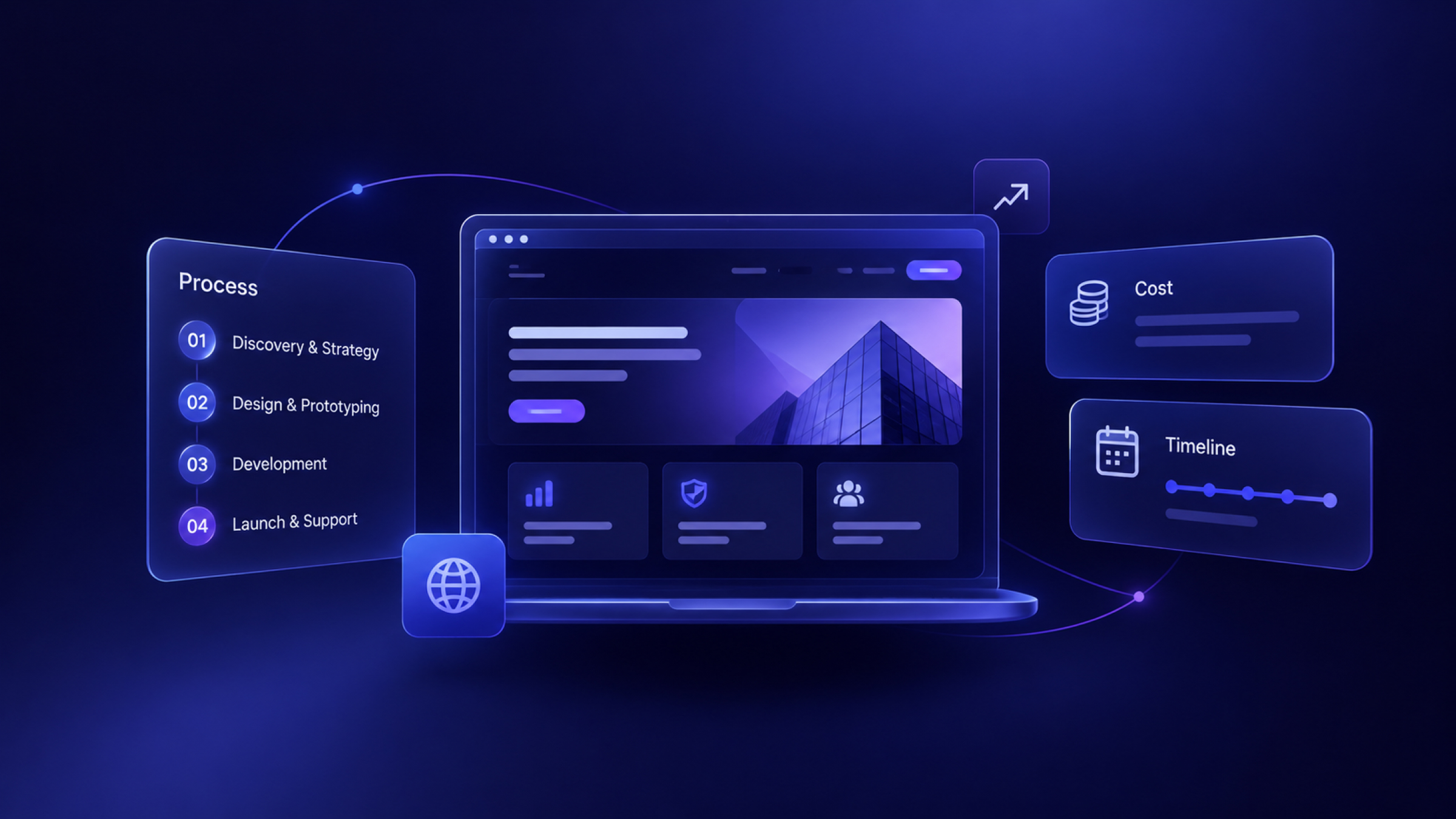

What is enterprise website design?
Enterprise website design is the design and development of websites for large organizations, typically with 500 or more employees, where the site has many stakeholders and has to work with existing business systems. Liferay and others use that employee count as a rough guide, but complexity matters more than headcount.
A site usually needs an enterprise approach when several of these apply:
- Multiple audiences, such as buyers, partners, investors and job seekers
- Several product lines or business units
- Many regions and languages
- Dozens of people who publish content
- Legal, brand, and security review before changes go live
- Connections to a CRM, marketing automation, analytics, and identity systems
- Hundreds or thousands of pages
How is enterprise website design different from a standard website?
Enterprise website design differs from standard website design mainly in scale, risk and governance. A small business site may have one editor and one goal, while an enterprise site has to keep many teams working safely on the same system.
Not every large company needs an enterprise-scale project. If your marketing team runs one 40-page site with a handful of editors, you may just need a good B2B website design process. Don't take on enterprise-level costs for problems you don't have.
What are the requirements for an enterprise website?
An enterprise website has seven groups of requirements: audience structure, design system, content model, governance, integrations, security and compliance, and performance. Use this list as a starting point for your internal brief or RFP.
What security and compliance does an enterprise website need?
An enterprise website generally needs single sign-on, role-based permissions, audit logs, encrypted traffic, and a documented vendor security review. The specifics depend on your sector and where you operate. Your security and legal teams should confirm which of these apply:
- Access: SSO, MFA, role-based access, and SCIM user provisioning
- Change control: staging, publishing approvals, version history, and audit logs
- Infrastructure: TLS, DDoS protection, a web application firewall, backups, and a tested recovery plan
- Vendor assurance: SOC 2 reports, ISO 27001 certification, and a data processing agreement
- Privacy: GDPR, CCPA, cookie consent, and rules on where data is stored
- Sector rules: HIPAA for health data, PCI DSS for card data
- Accessibility: WCAG conformance, often required by law or by customer contracts
Keep regulated data out of the marketing site wherever you can. It is usually much simpler to link to a compliant application than to make your marketing CMS part of a regulated system. See our ADA compliant website checklist and Webflow security guide for more detail.
What are the best practices for enterprise website design?
The best practice for enterprise website design is to organize the site around how each audience buys, then build a reusable system instead of individual pages. These seven principles come up in nearly every serious guide.
1. Organize by how each audience buys
Your site should follow your customers' decisions, not your org chart. Grafit recommends organizing by how each audience buys. A CFO, an IT lead and a daily user need different information, so give each a clear path, using audience, role, industry or use-case pages.
2. Build the design system first
A design system is what stops a large site from drifting apart over time. Define tokens, components, usage rules and templates, then document what teams can and can't change. Include accessibility rules within the components, so every team gets them by default.
3. Create a content model with owners
A content model defines each type of content, its fields, and how types connect. Add a named owner for each section, because content without an owner goes stale. CMS guide explains the basics on Webflow, and the same thinking applies to other platforms.
4. Plan integrations and security in discovery
Grafit also recommends covering integrations and security during discovery. Late security reviews are among the most common causes of delay on enterprise projects. Bring IT, legal and security in early, and give them a clear decision to make.
5. Design for mobile and for every browser your buyers use
Enterprise buyers do read on phones, and some still use managed desktops with older browsers. Agree on a browser support list, and make sure all components are responsive.
6. Make navigation handle scale
Large sites need clear global navigation, strong search, consistent breadcrumbs, and good internal linking. A mega menu is common, but test it. A menu that lists everything helps no one.
7. Connect the site to revenue
Measure more than traffic. Track conversions through to pipeline, so that marketing can see which pages influence deals. B2B website personalization is worth considering once your measurement works, because you can then tell if it's helping.
How should enterprise website governance work?
Enterprise website governance should define who can change what, who approves it, and how the system itself gets updated. Without governance, a large site becomes inconsistent within a year of launch, however good the original design was.
A simple working model includes:
Three rules keep this working:
- Limit approval to what carries risk. Fast-moving teams should be able to publish low-risk changes without a queue.
- Have a process for requesting new components. If teams can't get what they need, they will work around your system.
- Audit regularly. Review stale content, broken links, accessibility, and unused pages each quarter.
AI makes governance more important, because content and code can now be produced far faster. Agent actions need the same permissions and review as work by people.
Read More: Our guide to Source by Webflow
How much does enterprise website design cost?
Enterprise website design typically costs $80,000–$200,000 or more, based on published vendor estimates, with complex programs going higher. These are estimates from companies that sell this work, so treat them as a guide.
What drives the cost of an enterprise website?
The cost of an enterprise website depends mostly on the number of templates, languages, integrations, and stakeholders, not the number of pages. These usually add the most:
- Discovery and research: interviews, audits and alignment across teams
- Design system: the upfront investment that lowers later costs
- Content migration: moving, rewriting and redirecting hundreds of pages
- Integrations: CRM, marketing automation, identity and data systems
- Localization: each language adds workflow, as well as translation
- Accessibility and security work: audits, testing and documentation
- Stakeholder time: the internal cost that rarely appears in a budget
What are the ongoing costs?
Budget for the site every year, not only for launch. Ongoing costs include:
- Platform and hosting. For example, Webflow's Team plan is $2,500/month on an annual contract, and Enterprise is custom-priced. HubSpot Content Hub Enterprise starts at $1,500/month.
- A team or partner to maintain the site, add pages and improve conversion.
- Add-ons and tools for testing, analytics, localization, search and consent.
- Audits for accessibility, security and SEO.
Read More: What a website costs for smaller projects.
How long does an enterprise website take?
An enterprise website usually takes 3–6+ months, and multi-region programs can take a year or longer. The biggest factors are decisions and reviews, not design or development speed. For a more general view,
Read More: How long it takes to build a website
What is the enterprise website design process?
The enterprise website design process runs through discovery, architecture, design system, content, build, QA and rollout. This is a typical plan for a 6-month project, as a planning guide rather than a fixed rule.
Consider a phased rollout. Launching one region, product, or section first lowers risk, and it lets you fix the process before the rest of the site moves. Keep migration risk in view too, since moving thousands of URLs can affect your search traffic.
Read More: Website redesigning without losing SEO
Which platform should you use for an enterprise website?
The right platform for an enterprise website depends on who needs to make changes, which systems it must connect to, and how much engineering you can commit. No platform is best for everyone. These are the main options.
We are a Webflow Premium Partner, so keep that in mind as you read this. Webflow suits marketing-led enterprise sites because teams can publish without developer tickets. It's a weaker fit if your site is really an application or your organization has already standardized on another system.
Read More: Webflow vs Contentful
What are the best enterprise website examples?
The best enterprise website examples make a complex offer clear within a few seconds and then give each audience a route forward. All of the examples below run on Webflow.
- Checkout.com: payments company with a bold message and formal proof. It places analyst recognition high on the page, which matters to enterprise buyers.
- monday.com: it serves many teams, and uses very short, result-led lines to speak to each.
- Glean: it leads with an argument about enterprise AI, then tackles the cost objection directly.
- Greenhouse: its two-word headline shows how an established company can keep its message simple.
- Domo: its focus on governed data for AI agents speaks to technical buyers, backed by a specific figure of 1,000+ data sources.
- Cross River: it organizes a complex financial platform into clear product categories.
- Nursa: a healthcare staffing company that routes nurses, facilities and schools to separate paths.
- Dropbox Sign: a focused product site inside a much larger brand, centered on one job: getting agreements signed faster.
See our verified: Webflow website examples
What are common enterprise website design mistakes?
The most common enterprise website design mistake is organizing the site around internal structure rather than customer needs. Watch for these too:
- Treating launch as the finish line. A large site needs a long-term owner and a budget.
- Building pages, not a system. Without shared components, each team builds its own version.
- Bringing in security too late. A last-minute review can delay launch by months.
- Migrating everything. Audit first. Many large sites have a lot of pages that bring no traffic or value.
- Forgetting search and AI visibility. Redirects, structured content and clear answers need to be part of the plan.
- Designing by committee. Name one decision-maker and agree how disagreements are settled.
- Over-restricting editors. Too much control pushes teams to build outside the system.
- Bolting on accessibility at the end. It costs far less to include it within components.
Should you build an enterprise website in-house or use a partner?
You should use a partner for a large redesign if your internal team doesn't have the capacity or experience, and keep ownership of strategy and long-term site management in-house. A combined model is common: a partner leads the rebuild, and your team takes over day-to-day work.
When you choose a partner, ask to see:
- A similar project with a similar number of stakeholders and systems
- How they run discovery with IT, security and legal
- Their approach to design systems and documentation
- How they handle SEO and migration
- How they train your team, and what the handover includes
- Evidence of accessibility testing
- Their security practices, and any certifications you require
Our website redesign RFP guide can help structure the process, and our best B2B web design agencies and top Webflow development agencies lists can help with a shortlist.
If you are planning a Webflow build, our Webflow development agency works with B2B and tech companies on larger marketing sites. Which suits mid-market and focused enterprise projects. A global, multi-year program may need a larger firm, and we would tell you so.
FAQs
1. What is an enterprise website?
An enterprise website is a large website for a big organization, built to serve many audiences, regions and teams. It usually has hundreds or thousands of pages, connects to systems such as a CRM and identity provider, and needs formal security, compliance and publishing controls.
2. How much does an enterprise website cost?
An enterprise website typically costs $80,000–$200,000 or more, based on published vendor estimates from AppVerticals and Parallel HQ. Clutch, cited by Grafit, says enterprise sites can exceed $100,000. Templates, languages, integrations and the number of stakeholders affect the price the most.
3. How long does it take to build an enterprise website?
An enterprise website usually takes 3–6+ months to build, and multi-region programs can take a year or more. Security reviews, stakeholder decisions and content migration usually take longer than design and development, so plan for them from the start.
4. What is the difference between enterprise and regular web design?
The main difference between enterprise and regular web design is scale and governance. Enterprise projects have to handle many audiences, editors, approvals, integrations and compliance rules, so the work centers on design systems and content models rather than individual pages.
5. What features should an enterprise website have?
An enterprise website should have a design system, a structured CMS, role-based permissions, approval workflows, SSO and audit logs. It also needs CRM and analytics integrations, localization, strong search, accessibility conformance and clear performance targets.
6. Can Webflow be used for enterprise websites?
Yes, Webflow can be used for enterprise websites, and companies including monday.com, Greenhouse, Checkout.com and Domo show Webflow code on their homepages. Webflow's Team plan starts at $2,500/month, and its Enterprise plan adds granular permissions, advanced governance, and enhanced SLAs.