Webflow
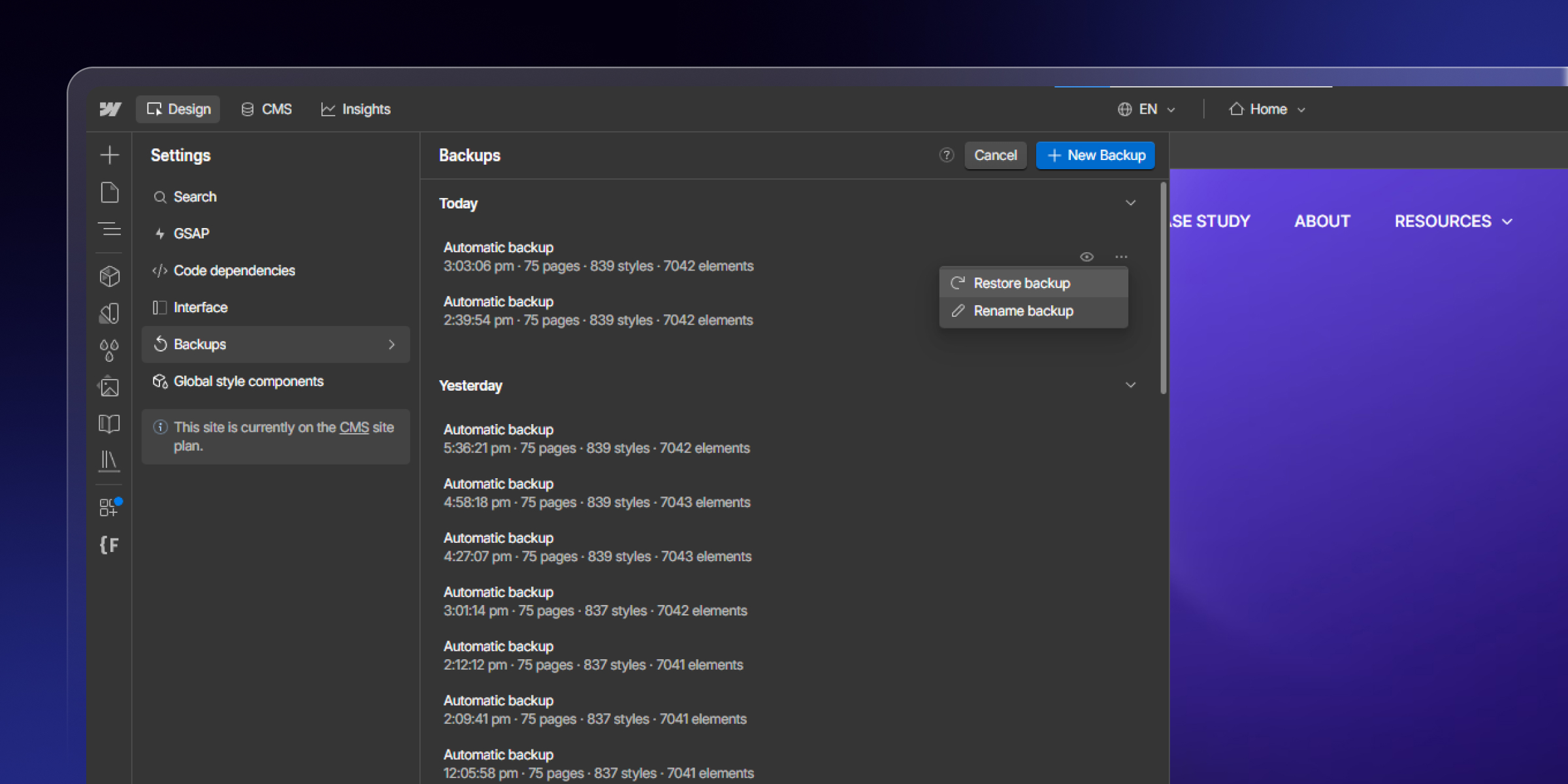
Webflow Backups: How to Back Up and Restore a Site, Page, or CMS Item
Learn how Webflow backups work. Back up and restore your whole site, a single page, or CMS items, with clear steps, limits, and best practices.

Webflow Support: What Webflow Covers vs What an Agency Covers
Webflow support explained. See what Webflow's official support covers, what it does not, and how a Webflow agency fills the gap with design, code, and upkeep.
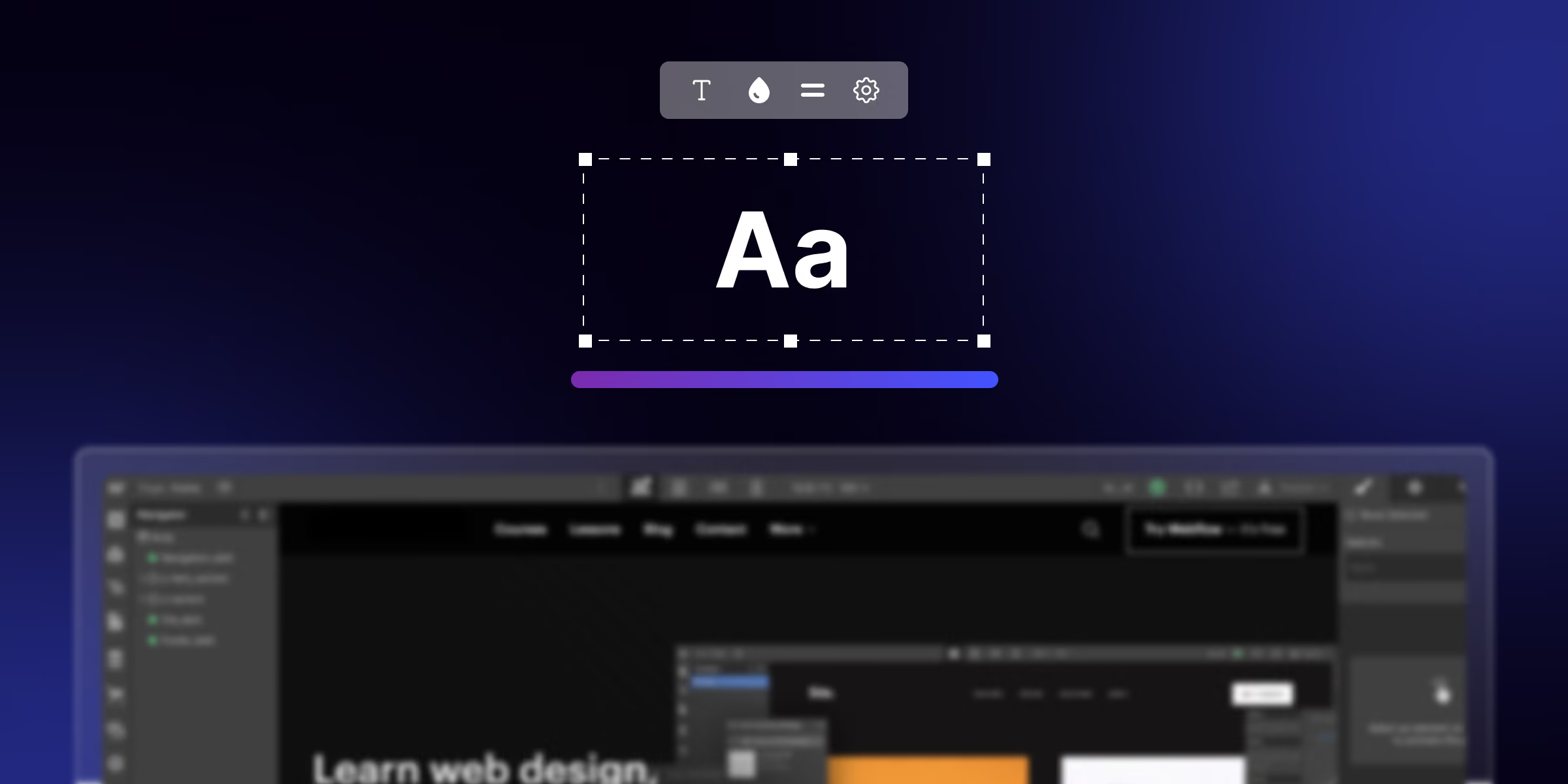
How to Create Gradient Text in Webflow: Step by Step Guilde
Learn how to create gradient text in Webflow with a simple method. Follow clear steps, add a short code snippet, and make your headings stand out.
How to Transfer a Webflow Site to Another Account (Step by Step)
Learn how to transfer a Webflow site to another account or Workspace. Follow clear steps, see what moves with the project, and what to check after the transfer.

How to Customize Slider Dots and Navigation in Webflow
Learn how to customize slider dots and navigation in Webflow. Change dot color, size, and shape, style arrows, and add custom code, step by step.

How to Add Custom Fonts in Webflow (3 Easy Ways)
Learn how to add custom fonts in Webflow. Follow simple steps to add Google Fonts, upload custom fonts, and connect Adobe Fonts, then apply them site-wide.

Webflow Accessibility: A Complete WCAG Guide (2026)
Make your Webflow site WCAG compliant. This guide covers alt text, color contrast, keyboard access, ARIA, and a full Webflow accessibility checklist.

Webflow Wildcard Redirects Explained (Setup Guide + Examples)
Webflow wildcard redirects explained in plain steps. Learn the syntax, set up a wildcard 301 redirect, and see real examples with the correct paths.
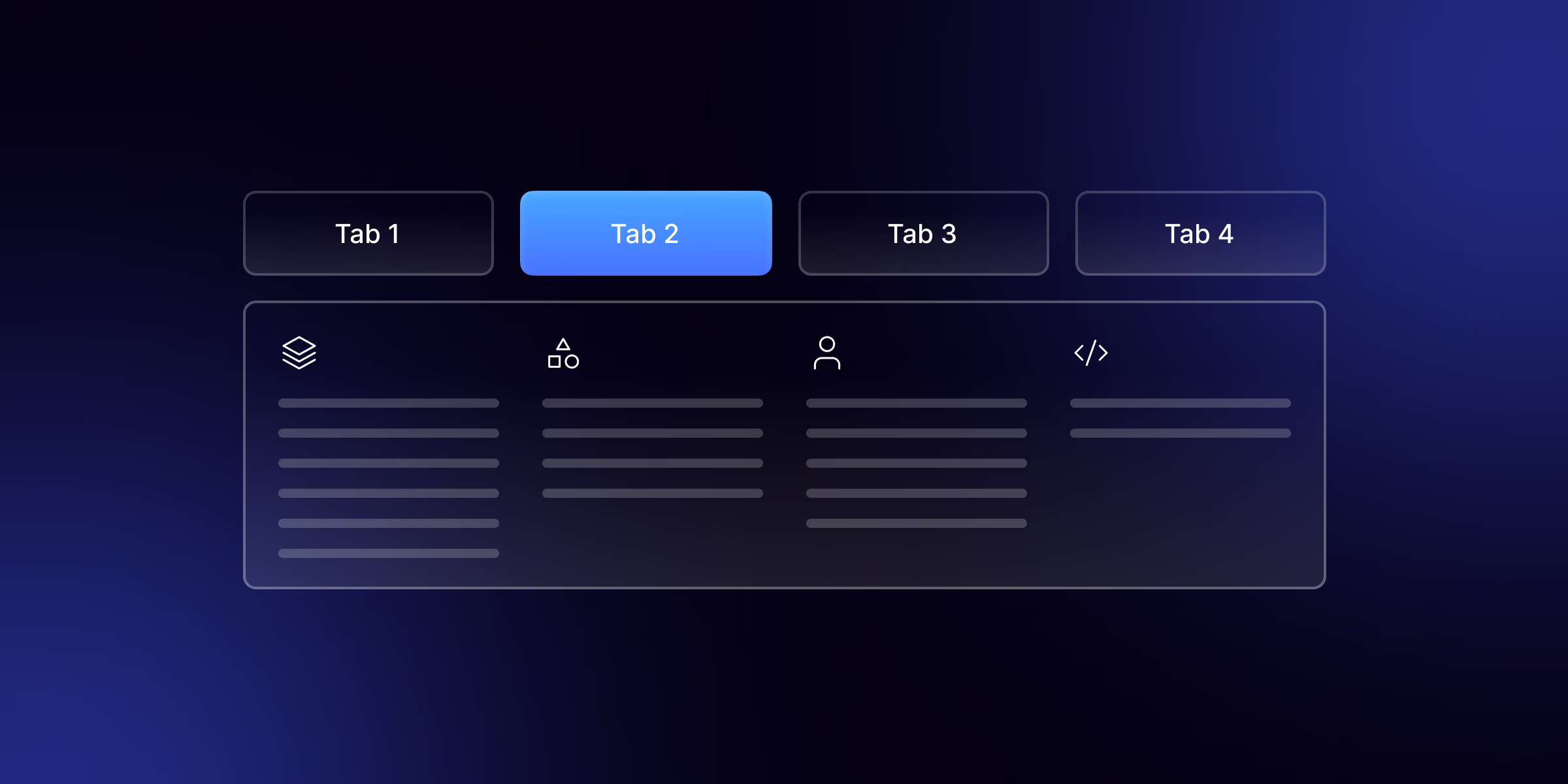
How to Build a Mega Menu in Webflow: Step-by-Step Guide (2026)
Build a full-width mega menu in Webflow from the native navbar add columns, images, and links, and keep it responsive and accessible. No plugins needed.
Partner with a Webflow Agency for your Webflow website.
Quick Turnaround. No Contracts. Cancel Anytime. Book a 30 minutes consulting call with our expert.