Webflow
ADA Compliant Website Checklist (2026): Requirements, Deadlines & How to Audit
A practical ADA website compliance checklist based on WCAG 2.1 AA: who must comply, the 2027–2028 deadlines, 25 checks, how to audit, and why overlays don't protect you.
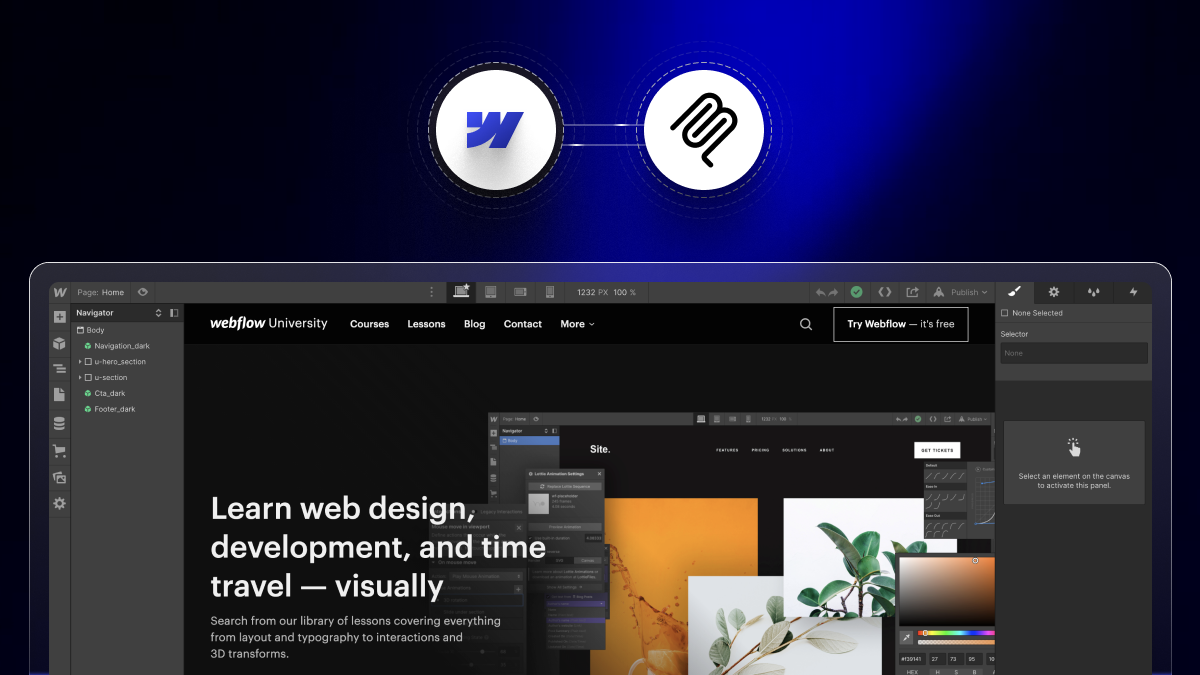
Webflow MCP: What It Is & How to Set It Up?
The Webflow MCP server is a bridge that lets an AI agent read and change your Webflow site through natural language.
.jpg)
How to Write a Website Redesign RFP 2026
Website redesign RFP is a written brief that invites agencies to propose how they’d redesign your site, on what timeline, and at what cost.
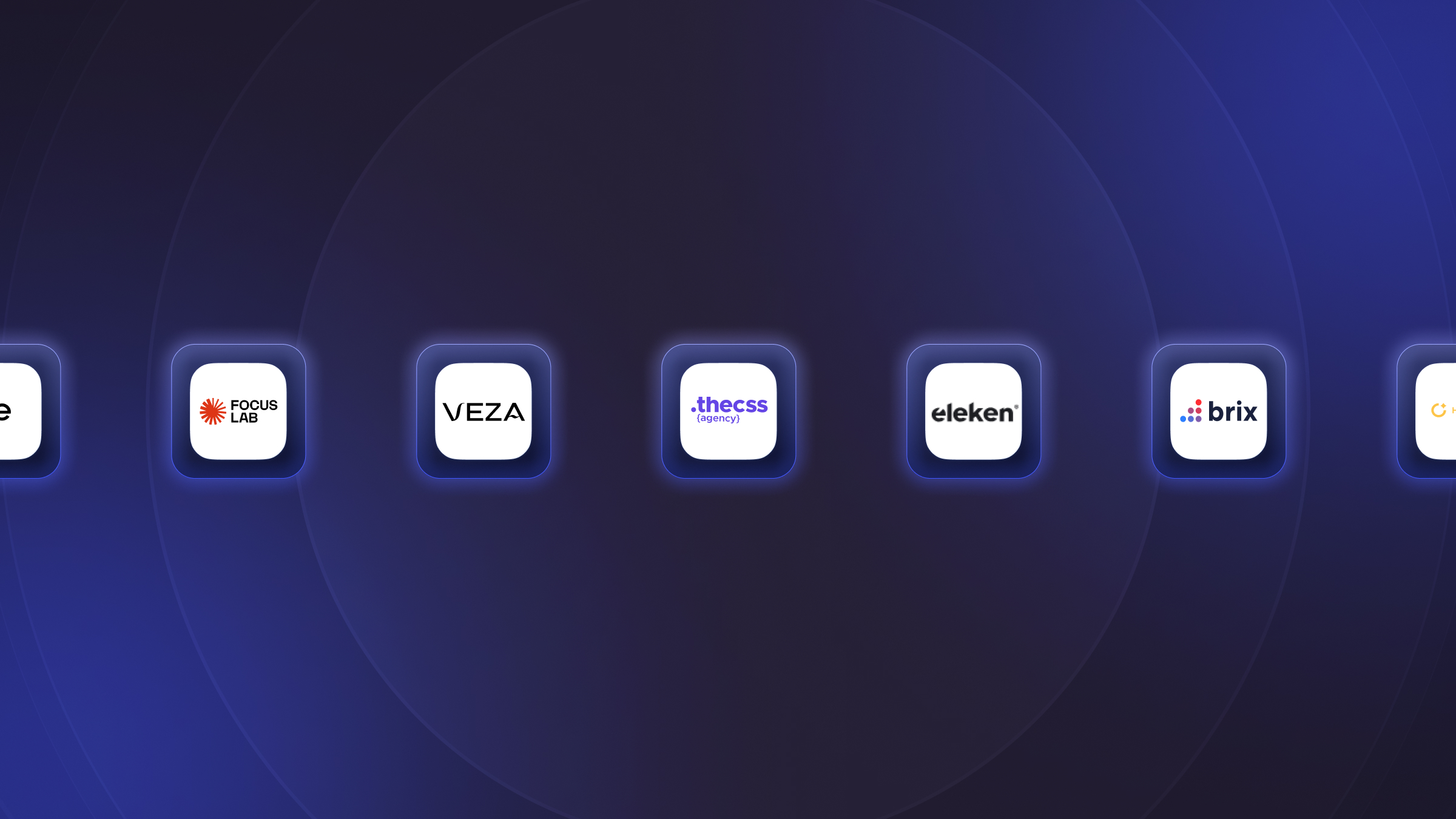
12 Best SaaS Website Design Agencies in 2026
The best SaaS website design agencies in 2026 include theCSS Agency for Webflow-based SaaS sites, Veza Digital and Amply for B2B SaaS on Webflow.
.jpg)
Figma Make vs Webflow: Which Should You Use in 2026? (Honest Comparison)
Figma Make is an AI tool inside Figma that turns natural-language prompts into interactive prototypes and small web apps. Webflow is a production website platform for designing, building, and hosting real marketing sites with a CMS.

Is Webflow ADA Compliant? How to Make Your Webflow Site ADA & WCAG Compliant
Webflow is capable of ADA compliance, but compliance depends on your build, not the platform.
.jpg)
What Is Webflow Optimize? AI A/B Testing & Personalization Explained (2026)
Webflow Optimize is Webflow’s native, AI-powered A/B testing and personalization tool, built on the technology Webflow acquired from Intellimize
.jpg)
What Is Webflow Enterprise? Features, Security & Pricing (2026)
Webflow Enterprise is Webflow’s top-tier plan for large organizations that need advanced security, guaranteed reliability, and governance at scale.
.jpg)
What Is Webflow Cloud? Full-Stack App Hosting Explained (2026)
Webflow Cloud is a serverless hosting platform that lets you deploy full-stack web applications built with frameworks like Next.js and Astro.
Partner with a Webflow Agency for your Webflow website.
Quick Turnaround. No Contracts. Cancel Anytime. Book a 30 minutes consulting call with our expert.