

Many teams get confused about Webflow support. They assume Webflow will fix their site or make changes for them. That is not what Webflow's support does. This guide explains what Webflow covers, what it does not, and where a Webflow agency comes in. You will know exactly who to call for each need.
We build and maintain Webflow sites for clients at theCSS Agency. This is the split we explain to teams every week.
What Is Webflow Support?
Webflow support is the help you get from Webflow itself. It keeps the platform running and answers questions about how it works. You reach it through a few channels.
- Help Center: articles that explain features and settings.
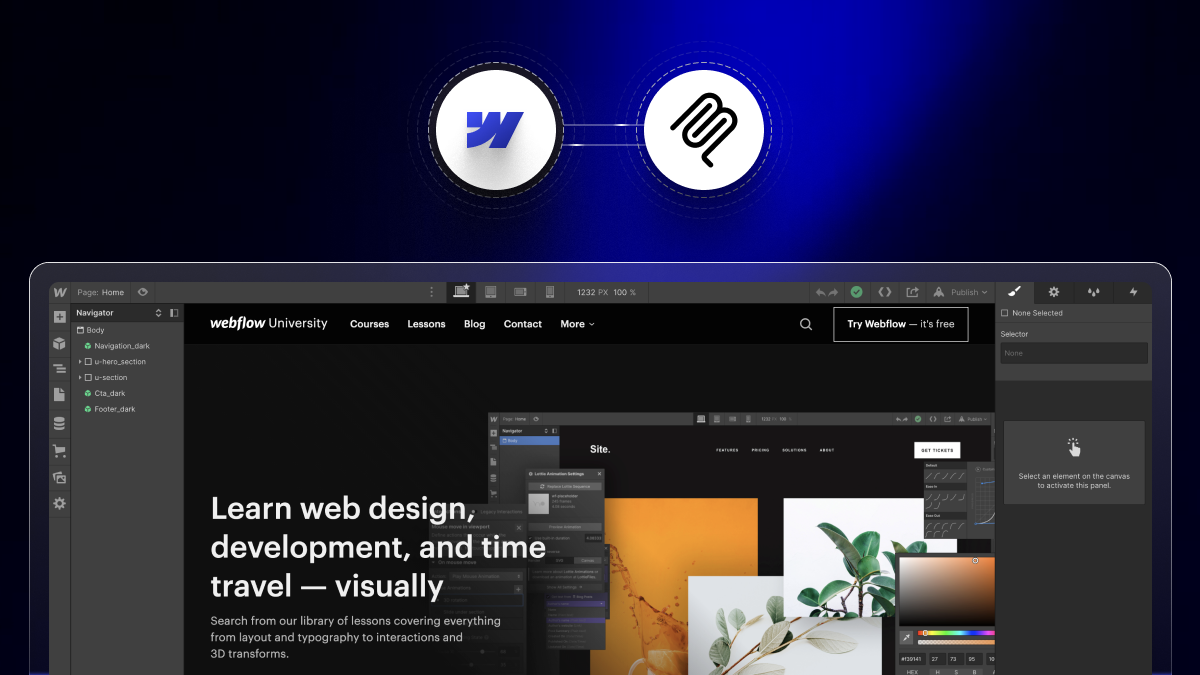
- Webflow University: free tutorials and lessons.
- Community Forum: a place to ask other users.
- Direct support: email or ticket help, with faster times on higher plans.
This is strong help for the platform. But it has clear limits, which we cover next.
What Webflow's Official Support Covers
Webflow support focuses on the platform, not your specific website. Here is what it handles well.
Platform and Account Issues
Webflow helps with your account, login, and billing. If a payment fails or a plan needs a change, Webflow support can fix it. This is a core part of their Webflow customer support.
They also help with workspace roles and access. If you lose access to a project, they can guide you back in. These account tasks are Webflow's job, not an agency's.
Hosting and Uptime
Webflow hosts your live site and keeps it online. Their team handles servers, security, and uptime. If the platform has an outage, Webflow works to restore it.
This hosting comes with a global CDN and SSL. You do not manage servers or updates yourself. Webflow handles that layer, so your site stays fast and secure.
Bug Reports
If a Webflow feature breaks, you can report the bug. Webflow support reviews it and passes it to their team. They fix issues in the platform itself.
This covers bugs in the designer, the CMS, or the editor. It does not cover a problem you created with custom code. The line is simple. If the tool is broken, Webflow fixes it.
Learning Resources
Webflow offers deep learning through Webflow University. You can learn to build and style pages there. This is the main way Webflow gives you Webflow help for how-to questions.
Webflow University has videos, lessons, and full courses. The Help Center adds short articles on each feature. These teach you how to do the work, but they do not do it for you.
What Webflow Support Does Not Cover
This is where teams get surprised. Webflow support will not do the work on your site for you. Here is what falls outside their help.
Building and Design Work
Webflow will not design or build your pages. They teach you how, but they do not do it for you. The build and design are your job, or an agency's job.
So if you need a new landing page, Webflow will not make it. You either learn to build it or hire someone. Most busy teams choose to hire, since a good build takes real skill and time.
Custom Code
Webflow does not write or fix custom code for your site. If your code breaks a layout, their support cannot debug it. That work sits with your developer or agency.
This includes custom JavaScript, embeds, and API work. When a script fails, Webflow points you back to your developer. Your agency owns any code you add on top of the platform.
Read More: How to Add Custom Code to Webflow?
Content Updates and Edits
Webflow will not update your text, images, or blog posts. Ongoing edits are not part of their support. You handle these yourself, or you hire help.
Say you launch a new product each month. Someone has to add the pages and posts. Webflow support will not, so this falls to your team or an agency.
SEO and Marketing
Webflow gives you SEO tools, but it does not do SEO for you. It will not write content, build links, or run campaigns. That is marketing work, not platform support.
The tools are there, like meta fields and a sitemap. But someone must set them up and create the content. Webflow gives you the toolbox, not the results.
Read More: Webflow SEO & AEO
Migrations and Integrations
Webflow does not migrate your old site or set up your integrations. Moving content and connecting tools is hands-on work. Their support points you to docs, but they do not do the work.
A move from WordPress needs content, redirects, and testing. A CRM link needs setup and checks. Webflow explains the steps, but the hands-on work is yours or an agency's.
Read More: Get Webflow integration service
What a Webflow Agency Covers
A Webflow agency fills every gap above. It does the hands-on work that Webflow support cannot. Here is what a good agency handles.
Design and Development
An agency designs and builds your site from start to finish. It creates custom layouts, pages, and animations. You get a finished site, not just a tutorial.
The team handles the full process for you. That includes design, build, testing, and launch. You share your goals, and they deliver a working site.
Custom Code and Fixes
An agency writes and fixes custom code for your site. If something breaks, they debug it fast. This keeps your site stable and on brand.
They also add features that Webflow alone cannot. Think custom sliders, filters, and animations. When an update breaks a page, they find and fix the cause.
Ongoing Maintenance and Edits
An agency handles your ongoing edits and upkeep. This is where Webflow maintenance comes in. They update content, fix issues, and keep the site healthy over time.
You send a request, and the team makes the change. New pages, swaps, and fixes get done fast. Your site stays fresh without pulling your team off other work.
SEO, AEO, and CRO
An agency improves how your site performs, not just how it looks. They handle SEO, answer engine optimization, and conversion work. This turns your site into a tool that grows the business.
They optimize titles, speed, and structure for search. They also test pages to lift your conversion rate. The goal is more traffic and more customers, not just a pretty site.
Migrations and Integrations
An agency moves your old site to Webflow with no lost rankings. It also connects your tools, like your CRM and analytics. The hands-on work gets done for you.
They map your old URLs and set up redirects. They test each integration before launch. So you move to Webflow with no lost data and no broken links.
Strategy and Training
A good agency guides your strategy, not just the build. It advises on structure, content, and growth. Some also train your team to make small edits.
They help you plan the site around your goals. They suggest what pages and content you need. And they can show your team how to make simple updates.
Webflow Support vs Agency: Side by Side
Here is the split at a glance.
Webflow keeps the platform running. An agency keeps your website working and growing.
When to Use Webflow Support vs an Agency
Use this simple rule. If the problem is with the platform, contact Webflow support. If the problem is with your specific site, you need an agency.
- Call Webflow support for: billing, account access, outages, and platform bugs.
- Call an agency for: design, code, edits, SEO, migrations, and upkeep.
Most day-to-day needs fall to the agency side. Webflow support is a smaller, platform-only slice.
Do You Need Ongoing Webflow Support?
Not every team needs an agency on retainer. But many benefit from ongoing Webflow support. Ask yourself these questions.
- Do you update your site often but lack the time or skill?
- Has your site ever broken with no one to fix it fast?
- Do you want steady SEO and performance gains?
- Would you rather focus on your business than your website?
If you said yes to any of these, a Webflow support plan is worth it. It gives you a team to handle edits, fixes, and growth.
What to Look For in a Webflow Maintenance Partner
Not all providers are equal. Look for these traits in a Webflow maintenance service.
- Webflow expertise: a team that builds in Webflow every day.
- Fast response: clear timelines for edits and fixes.
- Full coverage: design, code, SEO, and upkeep in one place.
- Clear pricing: simple plans with no surprises.
- Proven results: case studies and reviews from real clients.
A strong Webflow maintenance agency covers all of these, so your site stays healthy and grows.
Conclusion
Webflow support and a Webflow agency solve different problems. Webflow support keeps the platform running, with billing, hosting, and bug fixes. A Webflow agency does the hands-on work, from design and code to SEO and upkeep. You need both, but for different reasons.
Know which one to call for each need. For platform issues, use Webflow support. For your site's design, edits, and growth, use an agency. That split keeps your website healthy and moving forward.
Want a team to handle your Webflow edits, fixes, and growth? theCSS Agency offers Webflow maintenance and support for SaaS and B2B teams. Book a call to keep your site healthy and growing.
FAQs
1. What does Webflow support cover?
Webflow support covers the platform itself. That includes your account, billing, hosting uptime, platform bug fixes, and learning resources through Webflow University.
2. Does Webflow build or design your website?
No. Webflow support teaches you how to build, but it does not design or build your site for you. That work sits with you or a Webflow agency.
3. Does Webflow fix custom code?
No. Webflow support does not write or debug custom code on your site. A developer or a Webflow agency handles custom code and fixes.
4. What is the difference between Webflow support and a Webflow agency?
Webflow support handles the platform, like billing and hosting. A Webflow agency handles your specific site, like design, code, edits, SEO, and maintenance.
5. Do I need a Webflow maintenance plan?
You need one if you update your site often, want fast fixes, or want steady SEO gains. A maintenance plan gives you a team to handle edits and growth.
6. Does Webflow do SEO for you?
No. Webflow gives you SEO tools, but it does not do SEO work for you. An agency handles content, technical SEO, and marketing.
7. How do I contact Webflow customer support?
You reach Webflow through the Help Center, Webflow University, the community forum, and direct email or ticket support, with faster times on higher plans.


.jpg)