Here's the problem with Answer Engine Optimization: you can do everything right and have no idea if it's working. AI citations don't appear in Google Search Console, there's no "citations" report, and an AI quoting your content without a click leaves no obvious trace. This is exactly the trap that catches teams chasing AI visibility effort with no feedback loop. This guide lays out how to actually measure AI citations, from free manual methods to automated tools, and which signals are worth trusting.
Traditional SEO has a clean feedback loop: rank, get clicks, see them in Search Console and GA4. AI citations break that loop in three ways:
- No central report. No engine gives you a "you were cited 40 times this week" dashboard. The data is scattered or absent.
- Citations often don't drive clicks. An AI may summarize your content and cite you without the user ever visiting so traffic analytics undercount your real influence.
- Answers are non-deterministic. Ask ChatGPT the same question twice and you can get different sources. A single check isn't a measurement; you need repeated sampling.
The implication: AI-citation tracking is about sampling and trends, not exact counts. Accept that up front and you'll measure the right things.
How to Track AI Citations for Your Website
Method 1: Manual Prompt Testing (free, start here)
The most direct method: become your own answer engine tester.
- List the 10–20 questions your ideal customer would ask where you'd want to be the cited source.
- Ask each one in ChatGPT, Perplexity, Google (AI Overviews), and Bing Copilot.
- Log, in a simple spreadsheet: the question, the engine, the date, whether your site was cited, and which competitors were.
- Repeat monthly. The trend over time is the signal are you appearing more often, for more questions, across more engines?
Perplexity is the best starting point because it shows numbered source citations explicitly, making "were we cited?" unambiguous. Run it in a logged-out or incognito session so your own history doesn't bias results.
Method 2: GA4 Referral Traffic from AI engines
When an AI citation does earn a click, it shows up as referral traffic. In GA4:
- Go to Reports → Acquisition → Traffic acquisition, and look at Session source/medium.
- Filter or search for AI domains:
chatgpt.com/chat.openai.com,perplexity.ai,gemini.google.com,copilot.microsoft.com, andbing.comreferrals. - Build a custom exploration or a saved comparison segment so you can watch this cohort over time.
This undercounts total citations (most don't get clicked), but rising AI-referral traffic is hard evidence that citations are happening and converting to visits.
Method 3: AI Crawler Activity in Your Logs
Before an engine can cite you, its crawler has to fetch your pages. Tracking crawler hits tells you whether you're even in the consideration set:
- In server logs (or a log-analysis tool), filter for user agents: GPTBot (OpenAI), ClaudeBot / anthropic-ai (Anthropic), PerplexityBot, Google-Extended, CCBot (Common Crawl, which feeds many models).
- Rising crawl frequency on your key pages is a leading indicator engines are reading you. Falling or zero crawls means you're invisible (often a robots.txt block).
On Webflow, you may not have raw server logs on every plan; a third-party analytics or logging layer, or Cloudflare in front of the site, can surface this.
Method 4: Branded Search as Downstream Signal
When AI engines cite you, some users search your brand afterward to learn more. So a rise in branded search your company name, "[brand] reviews", "[brand] + service" that isn't explained by other marketing can indicate growing AI visibility. Track branded query impressions in Search Console month over month. It's an indirect signal, but it captures the influence that citation-without-click leaves behind.
Method 5: Dedicated AI-visibility tools
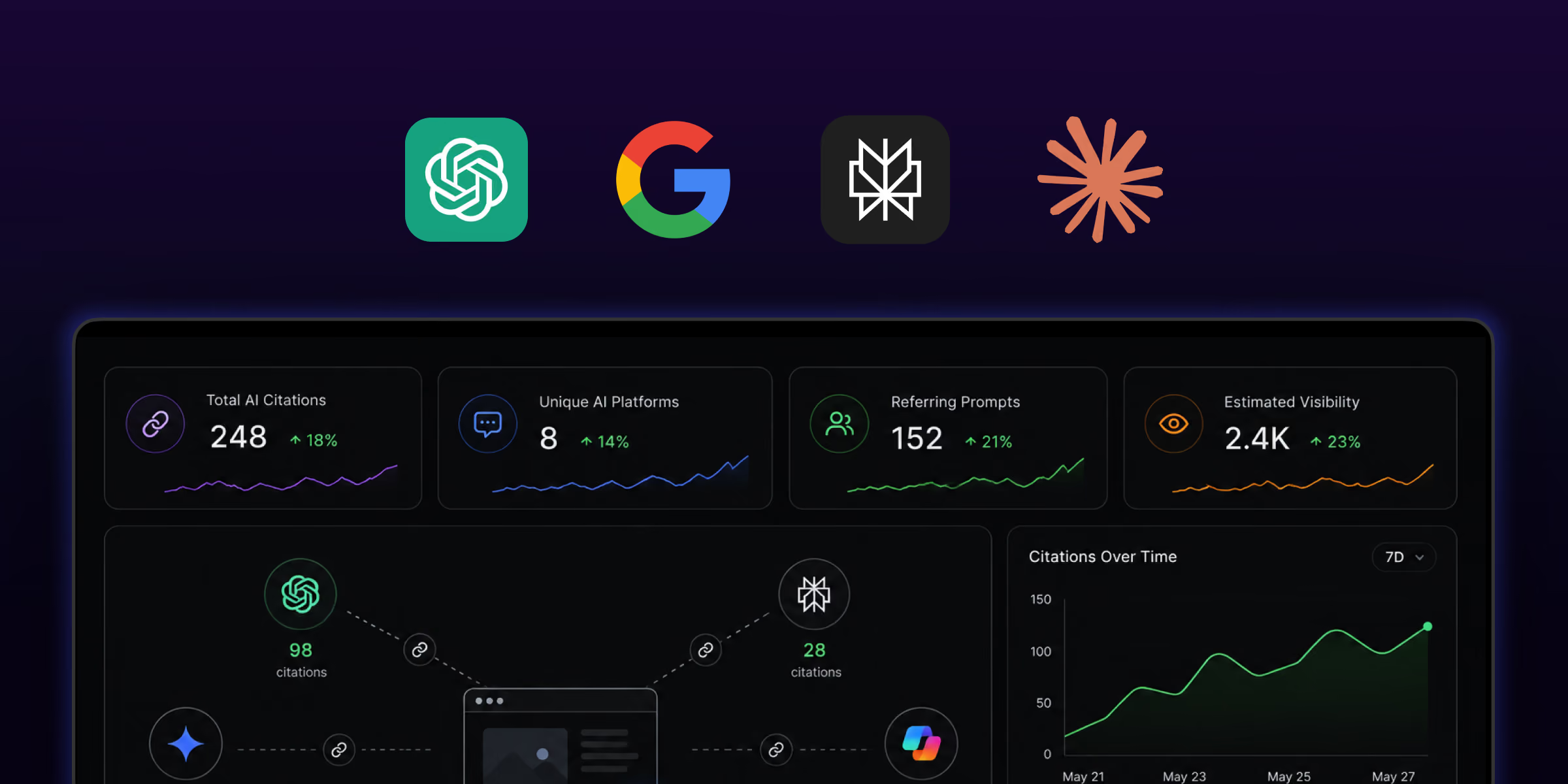
A category of tools now automates Method 1 at scale running large prompt sets across engines on a schedule and reporting your citation share, the questions you win and lose, and competitor comparison. The space is moving fast and tools come and go, so rather than name specific products that may not exist by the time you read this, evaluate any tool against these criteria:
- Covers the engines your audience actually uses (not just one).
- Tracks share of citations vs. competitors, not just presence/absence.
- Lets you define your own prompt set.
- Shows trends over time, not one-off snapshots.
For most small-to-mid businesses, Methods 1–4 are enough to start; add a paid tool once AEO is a budgeted priority.
What to Actually Measure (the metrics that matter)
Don't drown in data. Track these four:
- Citation rate: of your target questions, what % cite you (from Method 1). The headline number.
- Citation share vs. competitors: are you the cited source, or are they?
- AI referral traffic trend: from GA4 (Method 2).
- Branded search trend: downstream awareness (Method 4).
Review monthly. AEO moves slowly; weekly checks just add noise.
Want to be the cited source, not just track it?
Measuring citations is step one; earning them is the work. Our Webflow SEO and AEO service builds the structure, schema, and authority that get sites quoted by AI engines and we set up the tracking so you can see it happening. We've been cited as a top source in our own niche; we build that into client sites.
FAQs
1. Can I see AI citations in Google Search Console?
No. Search Console doesn't report AI citations they're not search clicks. You have to track them separately: prompt the engines directly and log results, watch GA4 for AI referral traffic, monitor AI crawler activity in your logs, and track branded-search lift as a downstream signal.
2. How do I know if ChatGPT is using my website?
Two ways. First, check whether GPTBot (OpenAI's crawler) is fetching your pages in your server logs that means your content is being read. Second, ask ChatGPT your target questions and see if it cites or references your site. Repeat over time, since answers vary between sessions.
3. Does an AI citation bring traffic?
Sometimes, but often not many AI answers cite a source without the user clicking through. That's why AI-referral traffic in GA4 undercounts your true citation volume, and why manual prompt testing and branded-search trends matter as complementary signals.
4. How often should I check my AI citations?
Monthly is right for most sites. AI visibility changes slowly, and answers are non-deterministic, so frequent checks mostly add noise. Run the same prompt set across engines once a month and watch the trend rather than any single result.
5. Which AI crawlers should I look for in my logs?
GPTBot (OpenAI), ClaudeBot and anthropic-ai (Anthropic), PerplexityBot (Perplexity), Google-Extended (Google's AI training/Overviews), and CCBot (Common Crawl, which feeds many models). Make sure your robots.txt allows the ones you want citing you.

.jpg)
_.jpg)