
The best CRO tools in 2026 are Hotjar, Microsoft Clarity, VWO, and Optimizely. Hotjar and Clarity lead for heatmaps and session recordings. VWO and Optimizely lead for A/B testing. Microsoft Clarity and Google Analytics 4 are the top free options. Pick a tool based on what you want to learn, like where users click, why they leave, or which version of a page converts better.
Conversion rate optimization, or CRO, turns more of your visitors into customers. The right conversion optimization tools show you what users do and why. Then you test changes and keep the ones that win. This guide compares the 12 best tools for 2026, both free and paid. You will also learn the types of tools and how to pick one.
We run CRO audits and build high-converting sites at theCSS Agency. These are the tools our team trusts on real projects.
What Are CRO Tools?
CRO tools help you improve the rate at which visitors take action. That action could be a purchase, a signup, or a form fill. The tools collect data on user behavior, then help you test better versions of a page.
Most CRO work follows a simple loop. You find a problem, form an idea, test it, and measure the result. CRO tools support each step of that loop with data and testing features.
Read More: What is Conversion Rate Optimization
Types of CRO Tools
CRO tools fall into a few groups. Many platforms mix more than one type.
- Behavior tools: heatmaps and session recording tools show where users click and scroll.
- Testing tools: A/B and multivariate tests compare two or more versions of a page.
- Analytics tools: track conversions, funnels, and drop-off points.
- Feedback tools: surveys and polls ask users what they think.
- Landing page tools: build and optimize pages to convert.
A full CRO stack often uses one tool from a few of these groups.
What to Look For in a CRO Tool
Not every tool fits every team. Check these points before you choose.
- Your main goal: heatmaps, testing, analytics, or feedback.
- Ease of setup: you should install it with a simple script.
- Free plan or trial: test it before you pay.
- Traffic limits: make sure it covers your monthly visitors.
- Integrations: it should connect to your analytics and CMS.
- Privacy: it should respect user data and consent rules.
Best CRO Tools in 2026
Here are the 12 best conversion rate optimization tools this year. Each entry explains what it does, then lists the price and free plan.
1. Hotjar
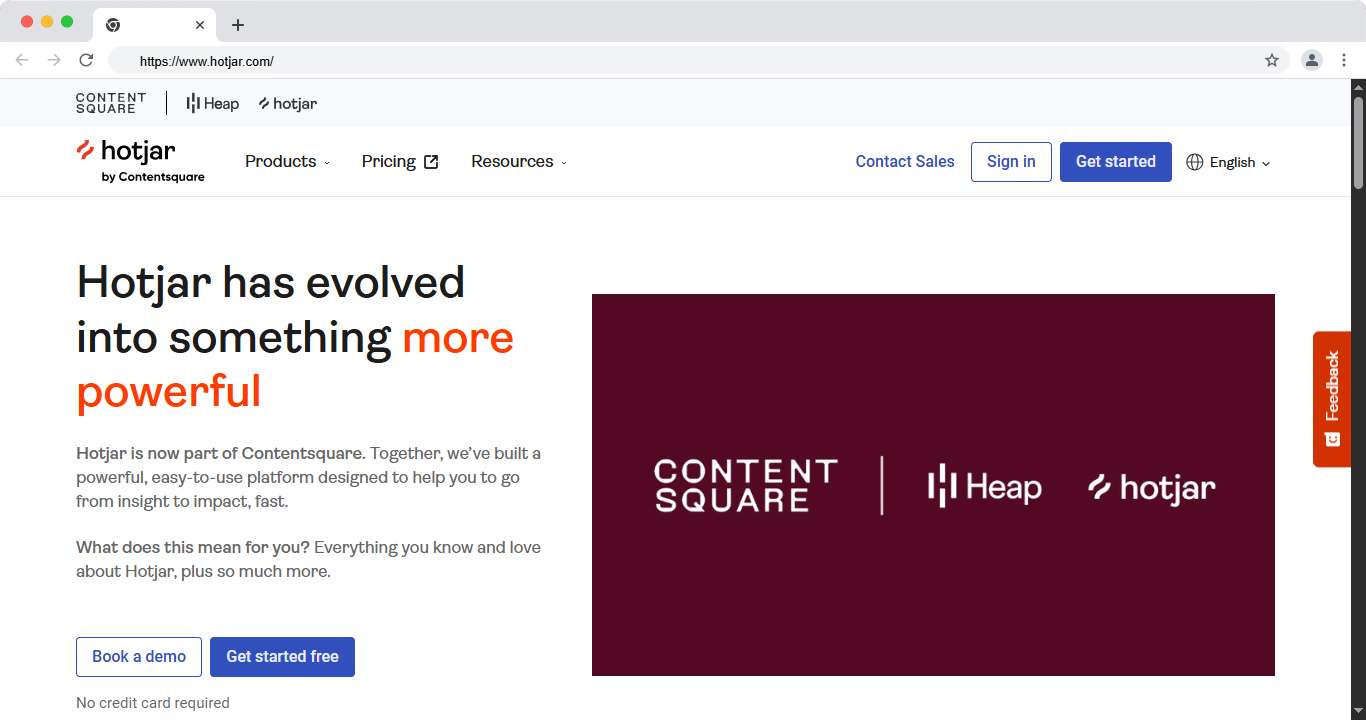
Hotjar is one of the most popular behavior tools. It shows heatmaps of where people click, move, and scroll. It also records real sessions, so you can watch how users move through a page. Surveys and feedback widgets round out the set.
Hotjar is now part of Contentsquare, which adds more depth over time. It is easy to install with one script. Teams use it to find where visitors get stuck. It is a strong first tool for most CRO work.
Key features:
- Heatmaps for clicks, moves, and scrolls
- Session recordings of real visits
- On-site surveys and feedback widgets
- Conversion funnels
- Simple one-script setup
Best for: heatmaps, recordings, and user feedback. Free plan: Yes. Price: Free plan, paid from around $32 per month. Platform: Web.
- Pros: easy setup, strong behavior data, good free plan.
- Cons: not built for advanced A/B testing.
2. Microsoft Clarity
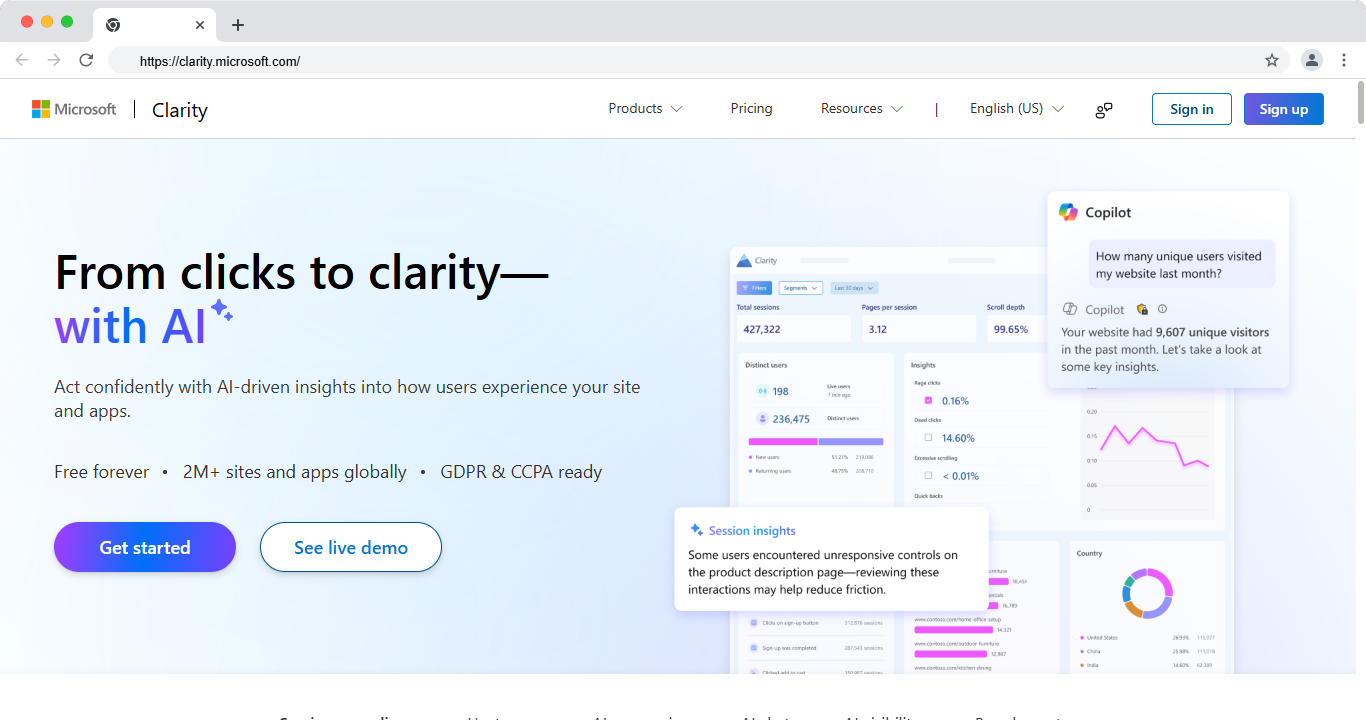
Microsoft Clarity is a free behavior tool from Microsoft. It offers heatmaps and session recordings at no cost. It also flags rage clicks and dead clicks, which show frustration. There are no traffic limits, which is rare for a free tool.
Clarity is a great starting point for any team. It installs with one script and connects to Google Analytics. The data is clear and easy to read. For a free heatmap tools option, it is hard to beat.
Key features:
- Free heatmaps with no traffic limits
- Session recordings
- Rage click and dead click detection
- Google Analytics integration
- Simple, clean dashboard
Best for: free heatmaps and session recordings. Free plan: Yes, fully free. Price: Free. Platform: Web.
- Pros: completely free, no traffic caps, easy setup.
- Cons: no A/B testing or surveys.
3. Google Analytics 4
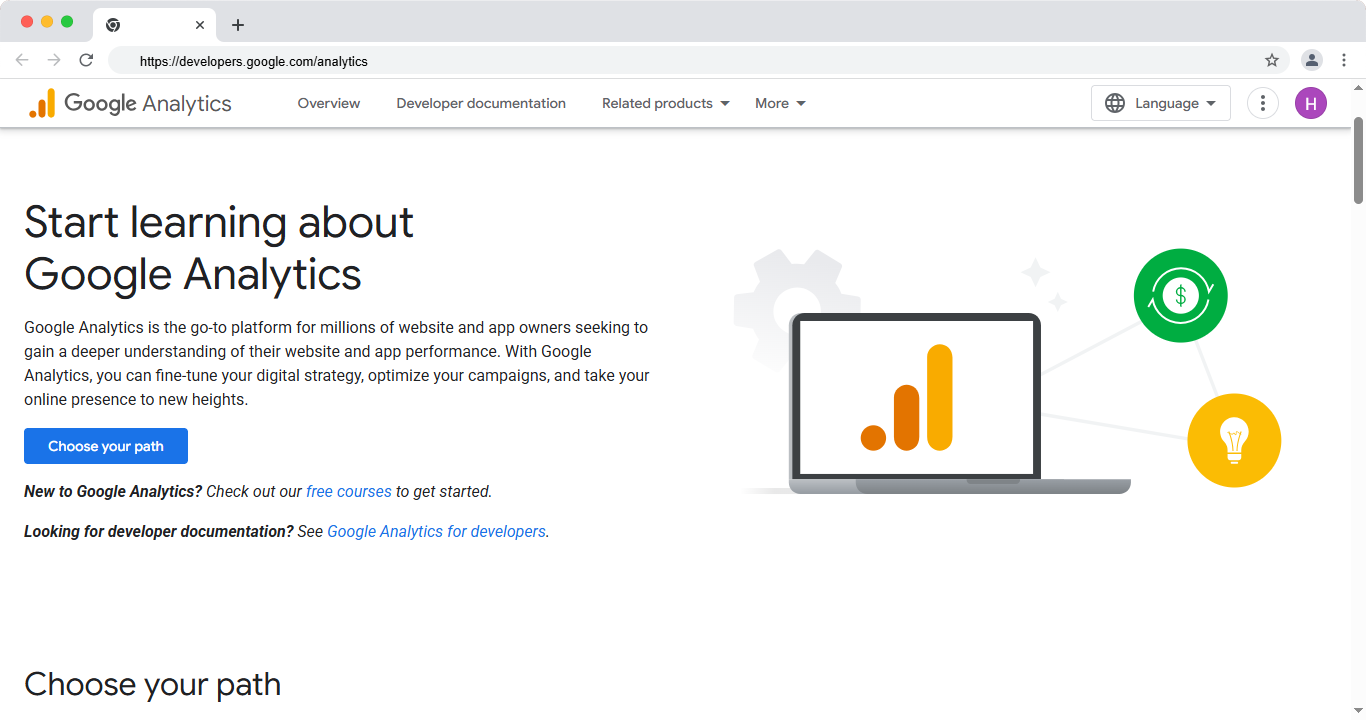
Google Analytics 4 is the free standard for web analytics. It tracks conversions, events, and user journeys. You can see where people drop off in a funnel. This helps you spot pages that need CRO work.
GA4 is not a testing or heatmap tool. But it is the base layer for your data. It shows which pages convert and which do not. Every CRO stack should include it as a free conversion tracking tools option.
Key features:
- Free conversion and event tracking
- Funnel and path reports
- Audience and traffic source data
- Integration with Google tools
- Free for every site
Best for: free conversion tracking and analytics. Free plan: Yes, fully free. Price: Free. Platform: Web.
- Pros: free, powerful data, wide integration.
- Cons: steep learning curve, no testing features.
4. VWO
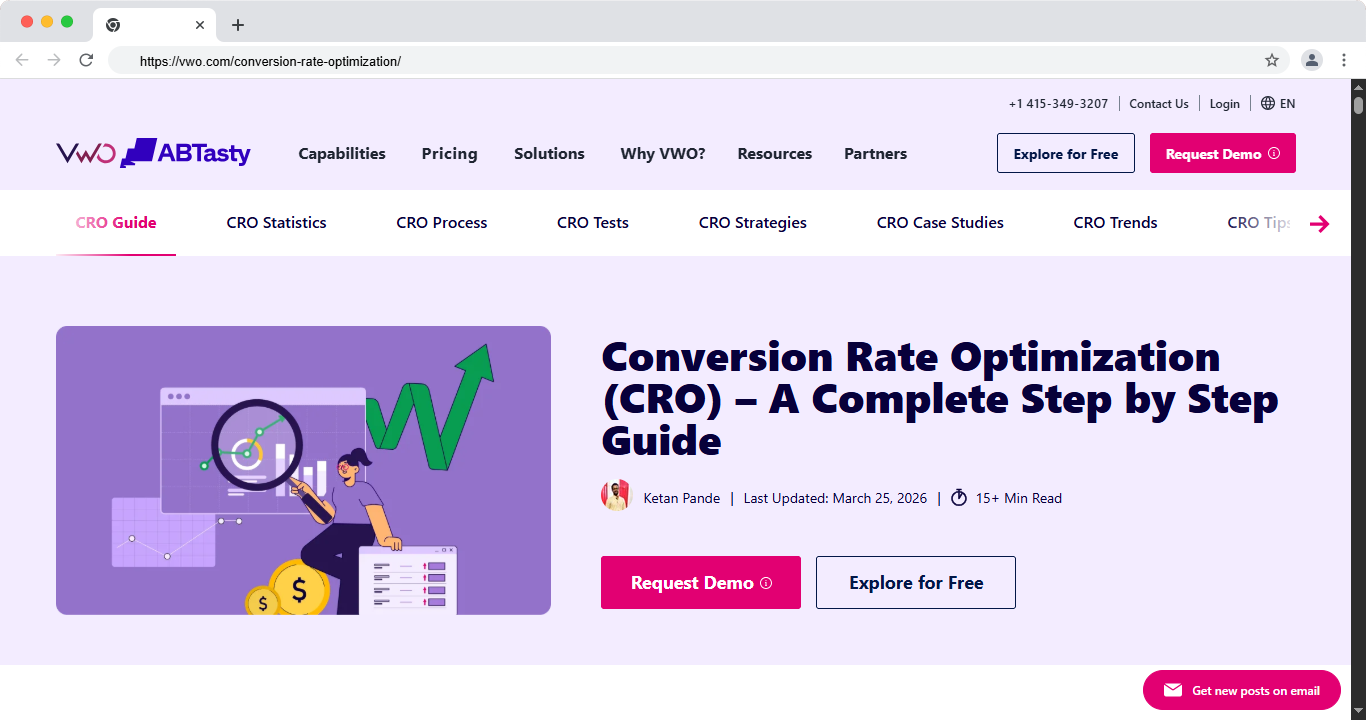
VWO is a full CRO suite in one platform. It offers A/B testing, heatmaps, recordings, and surveys. You can run tests with a visual editor and no code. It also supports personalization for different audiences.
VWO suits teams that want testing and behavior data together. The visual editor makes it easy to build test variants. It scales from small sites to large ones. It is one of the most complete ab testing tools available.
Key features:
- A/B, split, and multivariate testing
- Visual editor for no-code tests
- Heatmaps and session recordings
- On-page surveys
- Personalization features
Best for: an all-in-one CRO and testing suite. Free plan: Free plan and trial available. Price: Free plan, paid tiers available. Platform: Web.
- Pros: all-in-one, easy visual editor, scales well.
- Cons: full features can get costly.
5. Optimizely
Optimizely is a leading enterprise experimentation platform. It runs large-scale A/B and multivariate tests. It also handles feature flags and server-side testing. Big teams use it for serious, high-traffic testing.
The platform is powerful but built for scale. It fits companies with a dedicated CRO or product team. The results are reliable, even at high traffic. It is a top pick for enterprise cro software.
Key features:
- Advanced A/B and multivariate testing
- Server-side and feature flag testing
- Strong statistics engine
- Personalization at scale
- Enterprise integrations
Best for: enterprise-level experimentation. Free plan: No, custom pricing. Price: Custom enterprise pricing. Platform: Web.
- Pros: powerful, reliable, built for scale.
- Cons: high cost, more than small teams need.
6. Crazy Egg
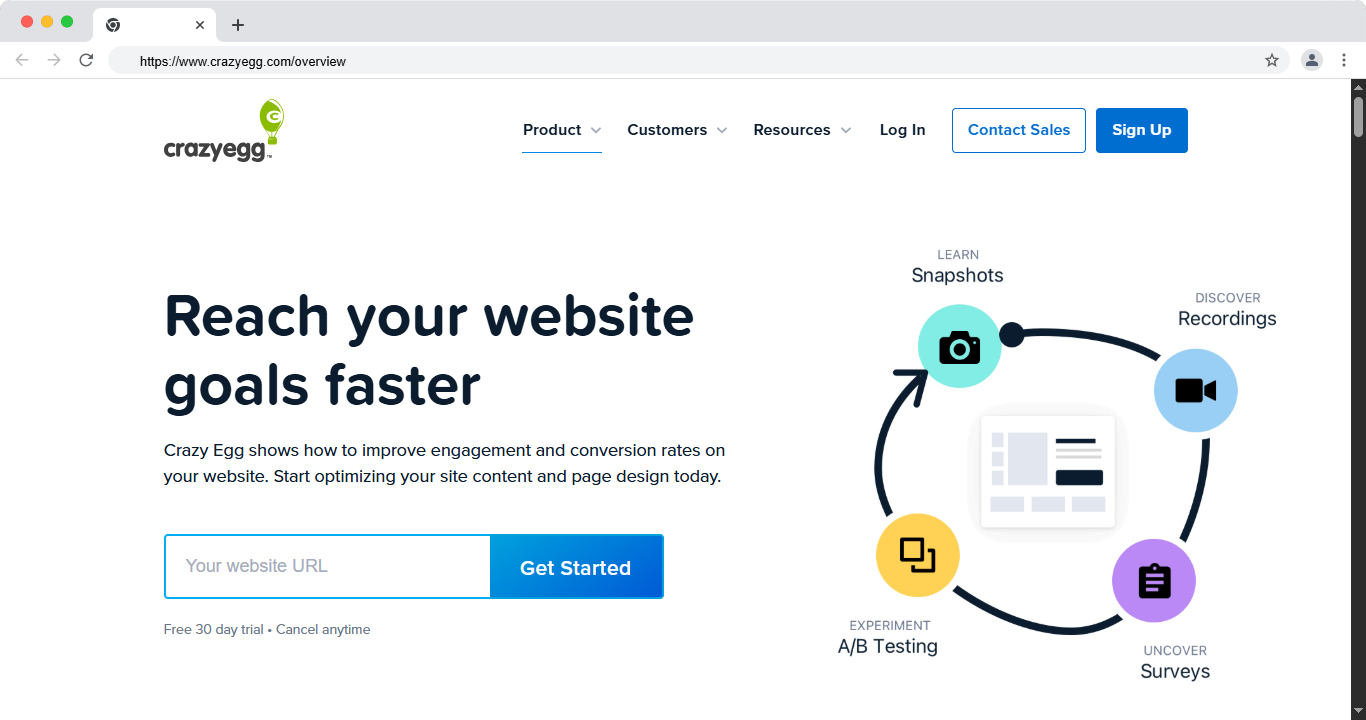
Crazy Egg is a simple tool focused on heatmaps and testing. It shows heatmaps, scroll maps, and snapshots of your pages. It also offers basic A/B testing with a visual editor. The reports are clear and easy to act on.
Crazy Egg suits small teams and marketers. It is quick to set up and simple to use. You get behavior data and light testing in one tool. It is a good mid-range choice.
Key features:
- Heatmaps, scroll maps, and snapshots
- Basic A/B testing
- Visual editor for changes
- Traffic and click reports
- Simple setup
Best for: simple heatmaps plus light testing. Free plan: Trial available. Price: From around $29 per month. Platform: Web.
- Pros: easy to use, affordable, clear reports.
- Cons: testing is basic compared to VWO.
7. Unbounce
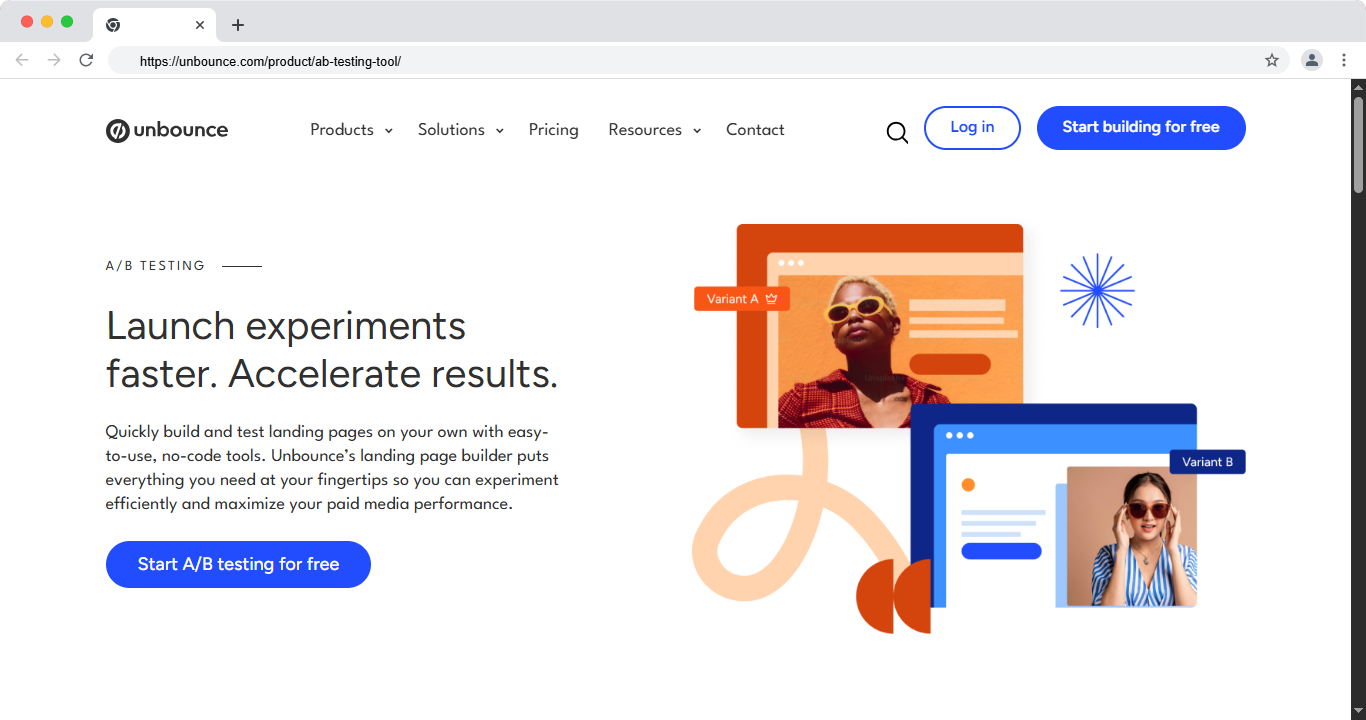
Unbounce is a landing page builder with strong optimization tools. You build pages with a drag and drop editor. Then you test versions and let its AI route traffic to the best one. This makes it one of the best landing page optimization tools.
Unbounce fits marketers who run ads and campaigns. You can launch a page fast and test it right away. Its AI features help lift conversions with less manual work. It is a strong pick for paid traffic.
Key features:
- Drag and drop landing page builder
- A/B testing built in
- AI traffic routing to the best page
- Popups and sticky bars
- Templates for many industries
Best for: building and testing landing pages. Free plan: Trial available. Price: From around $99 per month. Platform: Web.
- Pros: fast page building, built-in testing, AI features.
- Cons: monthly cost adds up for small teams.
8. Convert.com
Convert is a privacy-first A/B testing tool. It runs tests with a fast, clean setup. It respects user data and works well with strict privacy rules. This makes it popular with teams that care about compliance.
Convert suits agencies and mid-size brands. It offers solid testing without an enterprise price. It also connects to many analytics and CRO tools. It is a reliable middle-ground option.
Key features:
- A/B and multivariate testing
- Privacy-first data handling
- Visual and code editors
- Many integrations
- Fast test loading
Best for: privacy-focused A/B testing. Free plan: Free trial available. Price: From around $99 per month. Platform: Web.
- Pros: privacy-first, strong testing, good support.
- Cons: fewer behavior features than a full suite.
9. AB Tasty
AB Tasty is an experimentation and personalization platform. It runs A/B tests and targets content to different users. It also uses AI to help find winning ideas. Larger marketing teams use it to scale CRO.
The platform blends testing with personalization in one place. It fits brands that want to tailor pages to audiences. The setup is more advanced than a basic tool. It rewards teams that invest the time.
Key features:
- A/B and multivariate testing
- Audience personalization
- AI-driven recommendations
- Visual editor
- Enterprise support
Best for: testing plus personalization at scale. Free plan: No, custom pricing. Price: Custom pricing. Platform: Web.
- Pros: strong personalization, AI features, scales well.
- Cons: higher cost, steeper learning curve.
10. Mouseflow
Mouseflow is a behavior tool focused on session replay. It records real visits and builds heatmaps from them. It also maps funnels to show where users drop off. Form analytics reveal which fields cause people to quit.
Mouseflow suits teams that want deep behavior data. The session replays help you see real friction. The funnel and form tools point to clear fixes. It is a solid alternative to Hotjar.
Key features:
- Session replay and recordings
- Heatmaps for clicks and scrolls
- Funnel drop-off analysis
- Form analytics
- Friction scoring
Best for: session replay and form analysis. Free plan: Yes. Price: Free plan, paid from around $31 per month. Platform: Web.
- Pros: strong session data, good funnel and form tools.
- Cons: no built-in A/B testing.
11. FullStory
FullStory is a digital experience analytics platform. It captures every session and lets you search them. You can find frustration signals across your whole site. It turns raw behavior into clear insights.
FullStory suits product and CRO teams at scale. It combines session replay with powerful analytics. The search feature helps you find issues fast. It is a strong choice for larger sites and apps.
Key features:
- Full session capture and replay
- Searchable behavior data
- Frustration and error signals
- Funnel and conversion analytics
- Product and web coverage
Best for: deep experience analytics at scale. Free plan: Free tier and trial available. Price: Custom pricing. Platform: Web, app.
- Pros: deep data, powerful search, strong analytics.
- Cons: cost and depth are more than small sites need.
12. Contentsquare
Contentsquare is an enterprise experience analytics platform. It shows how users interact with every page and element. It scores zones by engagement and revenue impact. It also owns Hotjar, so it spans small and large teams.
Contentsquare suits large brands with high traffic. It links behavior to business results, like revenue per zone. The insights guide big CRO decisions. It is a top enterprise choice.
Key features:
- Zone-based engagement analytics
- Journey and funnel analysis
- Revenue impact scoring
- Session replay
- Enterprise integrations
Best for: enterprise experience analytics. Free plan: No, custom pricing. Price: Custom enterprise pricing. Platform: Web, app.
- Pros: deep insights, ties behavior to revenue.
- Cons: enterprise cost, complex for small teams.
Comparison Table: Best CRO Tools 2026
Prices change often, so check each site for current plans.
Best Free CRO Tools
On a tight budget? These are the best free options this year.
- Microsoft Clarity: free heatmaps and recordings with no traffic caps.
- Google Analytics 4: free conversion and funnel tracking.
- Hotjar: a free plan for basic heatmaps and recordings.
- Mouseflow: a free plan for session replay.
Start with Clarity and GA4. Together they show where users click and where they drop off, at no cost.
Read More: Best CRO Agencies 2026
A Note on Google Optimize
You may still see Google Optimize in old lists. Google shut it down in 2023, so it is no longer available. For free testing today, use GA4 for data and pair it with a tool like VWO or Convert. Do not build a new CRO stack around Optimize.
How to Run a CRO Test
Tools are only useful with a clear process. Here is a simple loop to follow.
- Find a problem. Use heatmaps and analytics to spot a weak page.
- Form an idea. Guess why users drop off and what could help.
- Build a test. Create a new version with one clear change.
- Run the test. Split traffic and wait for enough data.
- Measure and decide. Keep the winner, then start the loop again.
Change one thing at a time, so you know what caused the result.
How to Choose the Right CRO Tool
Match the tool to your goal with this quick guide.
- See where users click: Microsoft Clarity or Hotjar.
- Track conversions for free: Google Analytics 4.
- Run A/B tests: VWO or Convert.
- Build landing pages: Unbounce.
- Enterprise scale: Optimizely or Contentsquare.
There is no single best tool for everyone. The right pick depends on your goal, traffic, and budget.
Conclusion
The best CRO tools in 2026 help you turn more visitors into customers. Hotjar and Clarity show what users do. VWO and Optimizely help you test better versions. Google Analytics 4 tracks the results for free.
Start with a free behavior tool and GA4. Find one weak page, run a test, and keep the winner. Small, steady tests add up to a real lift in conversions.
Want experts to audit and lift your site's conversions? theCSS Agency offers a website and CRO audit to find and fix what loses you sales. Book a call to grow your conversion rate.
FAQs
1. What are CRO tools?
CRO tools help you improve the rate at which visitors take action. They include heatmaps, session recordings, A/B testing, analytics, and feedback surveys.
2. What are the best free CRO tools?
Microsoft Clarity and Google Analytics 4 are the best free options. Clarity gives free heatmaps and recordings, while GA4 tracks conversions and funnels.
3. What is the difference between a heatmap tool and an A/B testing tool?
A heatmap tool shows where users click and scroll. An A/B testing tool compares two versions of a page to see which one converts better.
4. Do I need paid CRO tools?
Not always. Free tools like Clarity and GA4 cover most small sites. Paid tools add A/B testing, deeper analytics, and personalization for larger needs.
5. Is Google Optimize still available?
No. Google shut down Optimize in 2023. Use Google Analytics 4 for data, and pair it with a testing tool like VWO or Convert.
6. What CRO tool is best for beginners?
Microsoft Clarity is the best free starting point. It is easy to install and shows heatmaps and recordings with no cost or traffic limits.
7. How do CRO tools improve conversions?
They show you where users struggle and let you test fixes. You change one thing, measure the result, and keep what lifts your conversion rate.

%20Agencies%20in%202027.jpg)