
Pick a Tool
Unlock your brand's potential with our expert Webflow website development services. As a top Webflow development company, we design stunning, high-performing websites tailored to your goals.
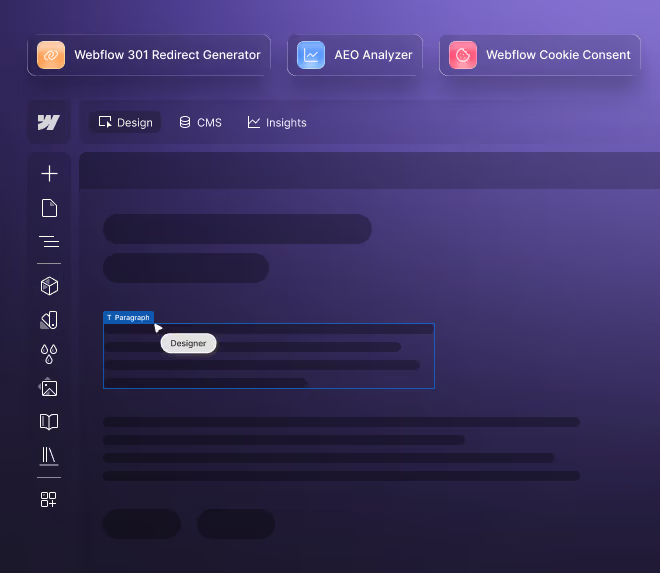
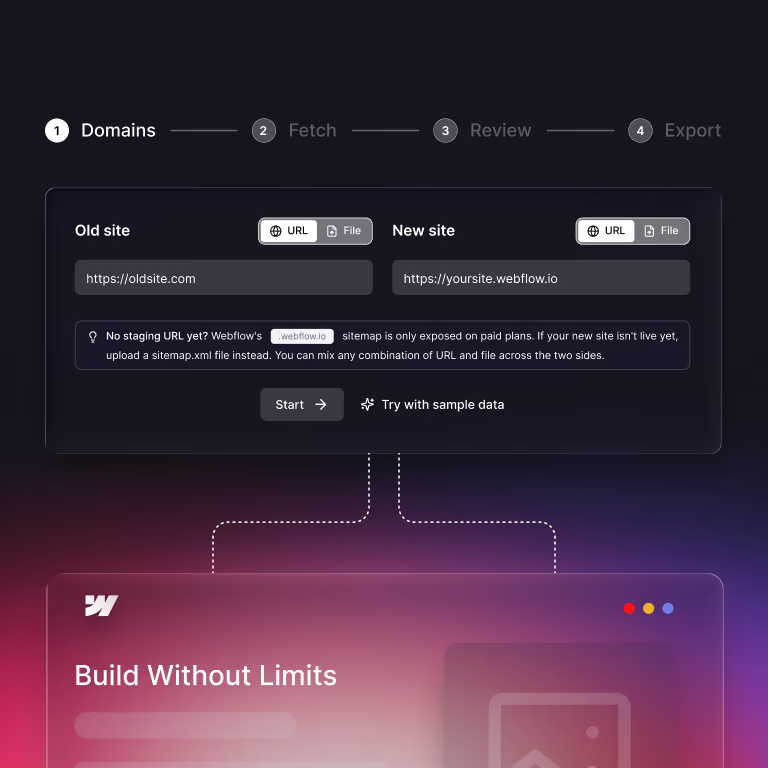
Webflow 301 Redirect Generator
Map old URLs to new URLs in minutes, not days.
- Add your old and new sites as a live URL or a sitemap.xml upload
- Matches pages automatically by path, keywords, and URL depth
- Exports a CSV you can import straight into Webflow
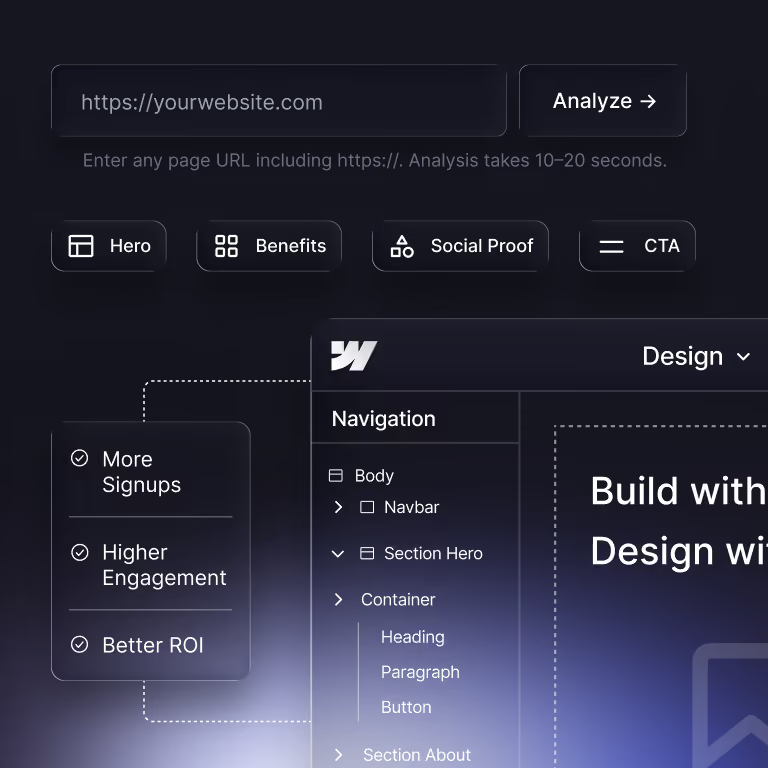
AEO Analyzer
See if AI search engines can find, read, and cite your page.
- Checks 25+ signals across 5 categories: Crawlable, Citable, Structured, Authoritative, and Verifiable
- Gives you a score out of 100 in 10 to 20 seconds
- Share your results with a unique link
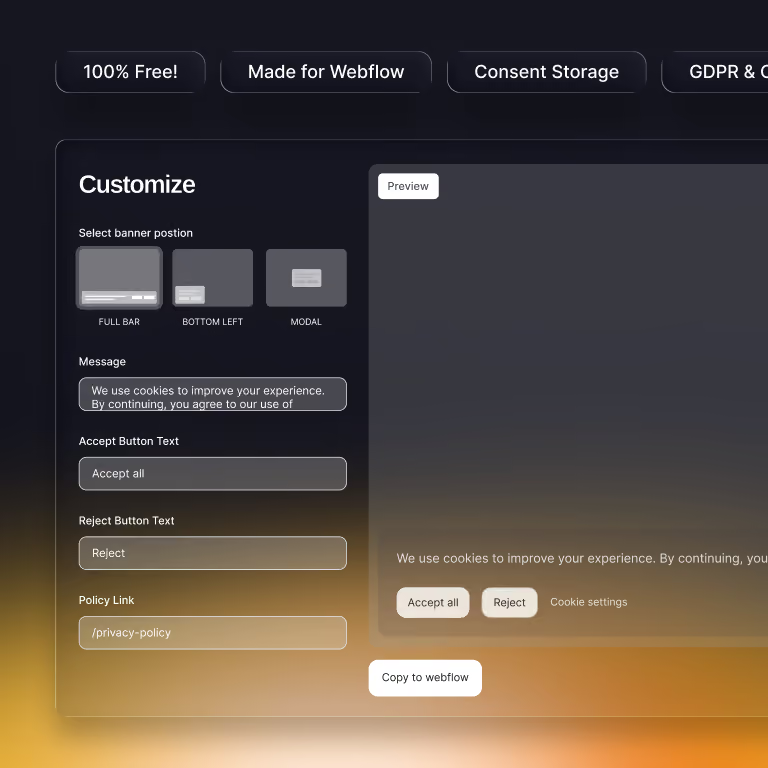
Webflow Cookie Consent
Build a cookie banner for your Webflow site and copy the code.
- Choose a full bar, floating box, or modal layout
- Toggle necessary, analytics, marketing, and personalization cookies
- Sends consent signals for Google Consent Mode through Google Tag Manager
Use Them Together on Your Next Webflow Launch
Most Webflow launches need all three. Here is the order we follow on client projects.
Map Your Redirects Before Launch
Run your old sitemap and your Webflow staging sitemap through the 301 Redirect Generator. Review the matches. Import the CSV into Webflow before you switch domains. This keeps the rankings and backlinks your old URLs earned.
Add Your Cookie Banner
Build your banner and paste the code into your Webflow project settings. Do this before your analytics and ad pixels go live, so tracking respects visitor choices from day one.
Check Your Key Pages for AI Search
Run your homepage, service pages, and top blog posts through the AEO Analyzer. Fix the lowest-scoring category first. Recheck after each round of changes.
Are these Webflow tools really free?
Yes. All three tools are free to use. You don’t need an account, a credit card, or an email address.
Do I need a Webflow account to use them?
No. The AEO Analyzer works on any public web page, on any platform. The 301 Redirect Generator works with any sitemap.xml, though its CSV export is formatted for Webflow. The cookie consent code is built for Webflow sites.
Does the 301 Redirect Generator store my URLs?
No. The tool runs in your browser. Sitemaps are fetched only long enough to read them, and nothing is saved on our servers.
What sitemap formats does the redirect generator accept?
It accepts standard sitemap.xml files, sitemap index files, gzipped sitemaps (.xml.gz), and sitemaps listed in robots.txt. You can also upload files up to 50 MB.
What does the AEO Analyzer check?
It checks 25+ signals across five categories: Crawlable, Citable, Structured, Authoritative, and Verifiable. Each category is worth 20 points, for a total score out of 100. A score of 75 or higher is good. A score of 90 or higher is excellent.
Is AEO different from SEO?
Yes. SEO helps your pages rank in search results. AEO, or Answer Engine Optimization, helps AI tools like ChatGPT, Perplexity, and Google AI Overviews pull your content into their answers. The two overlap, but AI search leans harder on clear structure, schema, and author signals.
Is the cookie consent banner GDPR compliant?
The banner is built to be GDPR and CCPA ready. It lets visitors accept or reject cookies by category and passes their choice to Google Tag Manager. Compliance also depends on your privacy policy and how your site uses data, so check with your legal advisor.
How do I add the cookie banner to Webflow?
Customize the banner, copy the generated code, and paste it into your Webflow project’s custom code settings. Publish your site, and the banner goes live.
Will you add more tools?
Yes. We build tools when we see the same Webflow problem across many client projects. Check this page for new releases.
Let Our Webflow Team Handle the Heavy Lifting
Free tools are a good start. When you’re ready for a migration, a redesign, or an SEO and AEO plan built for your site, talk to us. We’re a Webflow Premium Partner with 150+ websites built.

.png)


%2520(1).avif)

.avif)