

In the competitive landscape of Software as a Service (SaaS), having an impactful online presence is crucial. This is where Webflow comes into the picture as a game-changer for SaaS companies.
Known for its versatility and ease of use, Webflow stands out as the best website builder for SaaS businesses. But Webflow is the best SaaS website builder? Or are there options?
Well, of course there are options, but if you have the best, why even look for options. Let's delve into the reasons why Webflow is the go-to solution for creating stunning and efficient SaaS websites.
Benefits of Building a SaaS Website with Webflow
Webflow as a SaaS website builder offers a range of Webflow benefits that significantly enhance both the SaaS website development process and the end-user experience. Partnering with a Webflow development company can further maximize these advantages. Here are some key benefits:
- Fully Customizable Solutions
Webflow offers unparalleled flexibility in design, allowing you to create fully customized websites that align perfectly with your brand and user needs without compromising on aesthetics or functionality. For a SaaS brand, you’d not want to miss out on that flexibility, because you never know what your product team and marketing team want to add on your website. Take it from me, you do not want to compromise with your brand guidelines, especially on your website.
- Efficiency in Development
Webflow’s intuitive drag-and-drop interface and visual development tools speed up the website building process. This efficiency reduces the time from concept to launch, enabling faster market entry and responsiveness to market changes. You want to focus your time and energy on developing and fine-tuning your product, much less worrying about how the website looks. Webflow takes away that hassle, which makes it the best saas website builder.
- Empowering Marketing and Design Teams
With the Webflow SaaS website builder, marketing and design teams can implement and update web content without needing extensive technical knowledge. This empowerment leads to more dynamic and timely updates, keeping the website fresh and relevant. Considering that your prospects want to be updated with the latest additions to your product, keeping your website up-to-date is imperative, which Webflow, one of the best SaaS websites makes possible without being a burden. No more complaints from your sales and product teams that you haven’t added new features to the site
- Bridging the Gap Between Design and Development
Webflow facilitates a more collaborative and streamlined workflow between designers and developers.
Usually, designers use a different system to build wireframes and prototypes, which are later developed into Webflow or any other CMS based on approvals and feedbacks. Webflow eliminates this long process, letting them focus more on the outputs. Designers can create and prototype within Webflow, which developers can then refine and integrate, ensuring a cohesive final product.
- Cost-Effective Updates and Maintenance
The ease of updating and maintaining a website built on Webflow reduces the need for ongoing technical support.
This capability can significantly save costs associated with website updates and fixes.
- Responsive Design
Webflow automatically generates responsive design, ensuring that your SaaS website is mobile-friendly and adaptable to any screen size, an essential factor for user experience and SEO. In fact, it isn't rocket science to improve your Webflow site speed and performance.
- SEO-Friendly
Webflow provides robust SEO tools and clean, standards-compliant code, which helps improve your website’s search engine ranking, making your SaaS solution more visible to potential customers. Given that SEO is crucial for a SaaS brand to have a good brand positioning in this competitive market, you would want to invest in a website builder which supports your efforts. Webflow SEO is ideal not only for SaaS startups but enterprises aiming to impact a memorable visitor experience.
- Integrated CMS
Webflow includes a built-in CMS (Content Management System) that is both powerful and user-friendly. You can easily create and manage content, such as blogs, case studies, testimonials and more - which is significant for a SaaS, making the website dynamic and engaging.
- Scalability
As your SaaS business grows, your Webflow site can scale with you. The platform supports the integration of various applications and offers robust hosting solutions to handle increased traffic and data. Here’s a list of plugins and integrations Webflow supports.
- Webflow Hosting
Webflow offers high-standard hosting with built-in security features, ensuring that your SaaS website is secure and performs reliably, which is crucial for maintaining user trust and satisfaction.
- Community and Support
Webflow has a strong community and offers extensive support resources, including forums, tutorials, and customer support. This support is invaluable for resolving issues and learning best practices.
In summary, Webflow stands out as a comprehensive solution for SaaS website builder, offering flexibility, efficiency, and powerful features that cater to both technical and non-technical users.
For those looking for professional assistance, partnering with a SaaS Webflow agency can further enhance your website's design and functionality. This combination makes it an excellent choice for SaaS companies looking to establish a strong online presence.
For the unfamiliar, here are more Website speed for your SaaS business.
Also, Know: How to do B2B SaaS Website SEO?
How to Take the First Step in Moving to Webflow Web Design For SaaS
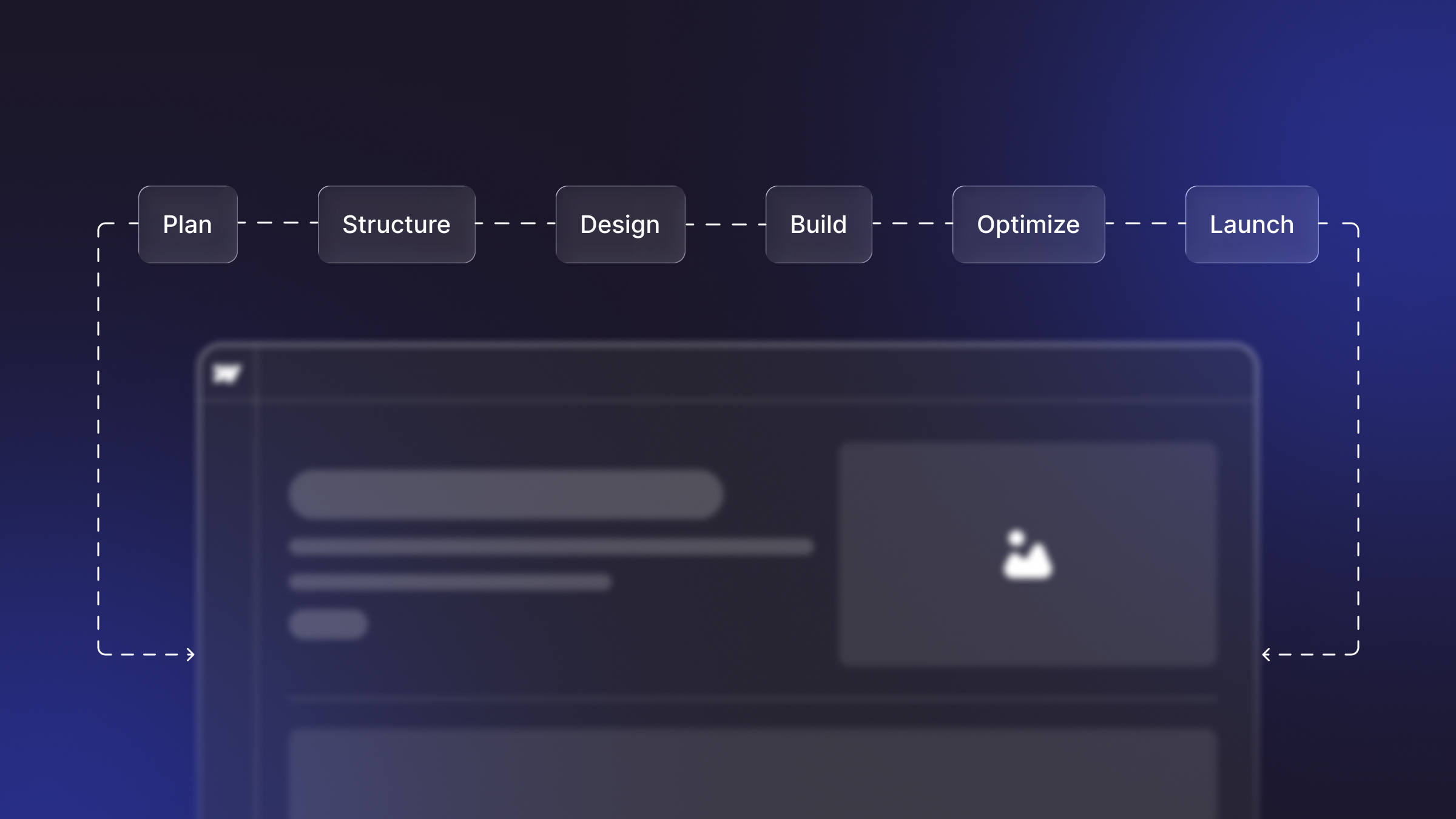
Transitioning to Webflow involves a few key steps:
- Plan Your Site Structure: Outline your site’s architecture, including pages and features needed.
- Gather Content: Prepare all your content – text, images, and other media.
- Design and Development: Start designing directly in Webflow or import designs from tools like Figma.
- Test and Iterate: Regularly test the website for usability and make necessary adjustments.
- Go Live: Publish your site through Webflow’s hosting or export the code.
Here are expert tips on building a SaaS website that converts using Webflow with ease.
FAQ’s
1. Why choose Webflow for building a SaaS website?
Webflow excels as a SaaS website builder due to its intuitive design, powerful features, and seamless development capabilities.
2. What makes Webflow stand out among other SaaS website builders?
Webflow stands out for its visually appealing designs, user-friendly interface, robust CMS, and the ability to create custom interactions without coding.
3. How does Webflow benefit SaaS website development?
Webflow streamlines SaaS website development with its drag-and-drop functionality, responsive design capabilities, and built-in hosting, saving time and effort.
4. Can non-developers use Webflow effectively for SaaS website creation?
Yes, Webflow's user-friendly interface allows non-developers to create stunning SaaS websites without extensive coding knowledge.
5. What features does Webflow offer specifically for SaaS websites?
Webflow provides features like dynamic content management, responsive design, SEO optimization, and e-commerce capabilities, tailored for SaaS websites.
Conclusion
Webflow has emerged as an unparalleled tool for building SaaS websites, blending creativity with technological efficiency. Its ability to empower teams, save resources, and deliver custom, high-quality web solutions makes it an optimal choice for SaaS companies aiming to make a significant impact online.
With Webflow SaaS website builder, the journey from concept to a live website is not just faster and more cost-effective but also a creatively satisfying experience.
Looking for SaaS website design and development? Get in touch with us.

.jpg)