
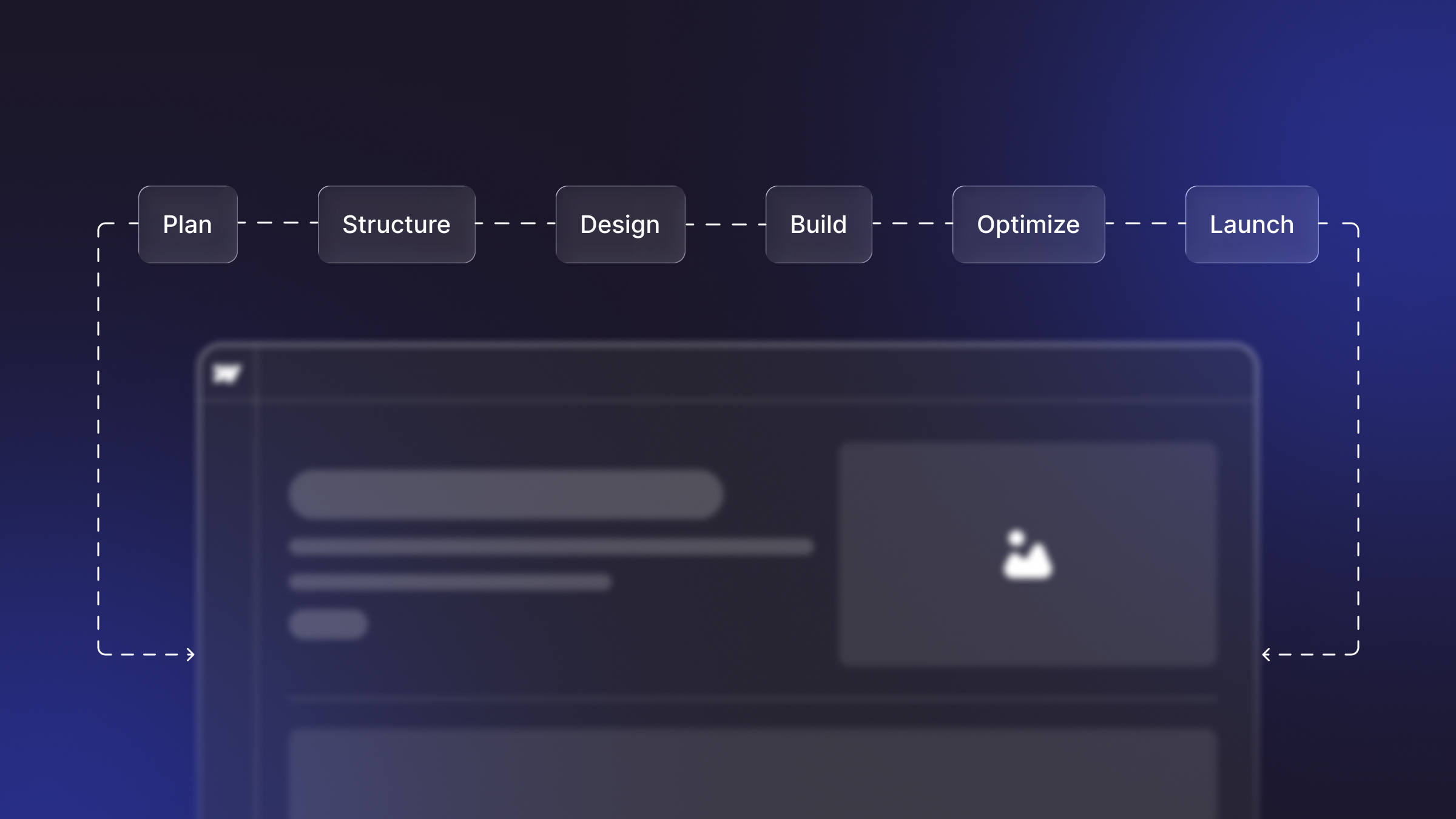
Why Plan a Website Before Building It?
Most website projects run over budget for one reason: decisions that should have been made in planning get made mid-build, when changes are expensive. Planning first lets you decide cheaply on paper what your site must do, who it’s for, and what goes on each page, so the design and development phases execute a settled plan instead of discovering it. It also makes hiring easier: a clear plan is most of a website brief or RFP, and it’s what separates an accurate quote from a padded guess.
Step 1: Define the Goal of Your Website
Start by naming the single most important thing your website must achieve: generate qualified leads, sell products, book demos, build credibility, or support existing customers. Every later decision (structure, content, calls to action) flows from this. Write it as an outcome, not a feature: “get more demo requests from B2B buyers” is a goal; “have a nice homepage” is not. If you have several goals, rank them, because the primary one should dominate your homepage and navigation.
Step 2: Know Your Audience and Their Journey
Define who the site is for and what they need to do. For each primary audience, note who they are, what question they arrive with, and the action you want them to take. Mapping this journey from first visit to conversion tells you which pages you need and what each one must say. A site planned around its audience’s decisions converts far better than one organized around your internal org chart.
Step 3: Map Your Sitemap and Page Structure
A sitemap is the blueprint of your site: every page and how they’re organized into navigation. List the pages you actually need (home, product/service pages, about, pricing, blog, contact, plus any CMS collections like case studies or resources), then group them into a logical hierarchy a visitor can navigate in a click or two. Good structure is invisible to users and enormously important for SEO; it’s how both people and search engines understand your site. Keep primary navigation short; bury nothing important more than two clicks deep.
Step 4: Plan the Content for Each Page
Before design, decide what each page needs to say and prove. For your key pages, outline the headline message, the supporting points, the proof (testimonials, logos, data, and case studies), and the call to action. This is the step most teams skip and the reason projects stall, because design can’t be finished around content that doesn’t exist. Planning content early also surfaces what you need to write or gather, so it’s ready when the build begins (and you’re not paying an agency to wait). Decide now who writes the copy: you, the agency, or a mix.
Step 5: Choose Your Platform, Domain, and Hosting
Pick the platform your site will run on based on who will maintain it and what it needs to do. If your team wants to update content and pages without a developer, a visual platform like Webflow is a strong fit; if you need a specific e-commerce or app capability, weigh platforms against that requirement. Secure a clear, memorable domain, and note any integrations you’ll need (CRM, analytics, marketing automation, payments) so they’re part of the plan rather than a surprise. Not sure what a site can do on modern platforms? See what you can build with Webflow.
Step 6: Set a Budget and Timeline
Match your budget to your goals and scope. A simple brochure site, a lead-generating business site, and a large content or e-commerce site sit at very different price points. See how much a website costs to benchmark. Set a realistic launch date and work backward, allowing time for content, design revisions, development, and QA. The most common planning mistake is an aggressive deadline with no content ready; that combination forces either a delay or a rushed, weaker site.
Step 7: Gather Brand Assets and References
Collect what the build will need: your logo, brand colors and fonts, imagery, and any existing copy, plus three to five reference sites you like (and a note on why). References turn vague feedback (“make it pop”) into specific direction, which speeds up design and reduces revision rounds. If your brand assets are thin or dated, flag them now; it may be worth refreshing them as part of the project.
Step 8: Decide who will build it
Choose how you’ll build: do it yourself, hire a freelancer, or engage an agency. DIY suits very small, simple sites; a freelancer suits a defined build on a tighter budget; an agency suits sites where design, development, SEO, and ongoing support all matter and you want them handled by one team. Weigh the trade-offs in agency vs freelancer, and when you’re ready to hire, use a clear brief so quotes are comparable.
A Simple Website Planning Checklist
If you can fill this table, you’re ready to design or to brief an agency and get an accurate quote.
From Plan to Wireframe to Build
Once the plan is set, the next step is turning your sitemap and page content into simple wireframe layouts that arrange each page before visual design. See real layouts by page type in our website wireframe examples. From approved wireframes, design and development move quickly because every big decision was already made in planning, which is exactly the point.
FAQs
1. How do you plan a website step by step?
Plan a website in eight steps: define the goal, know your audience and their journey, map the sitemap and page structure, plan the content for each page, choose your platform and domain, set a budget and timeline, gather brand assets and references, and decide who will build it. Do all of this before any design begins.
2. What is the first step in planning a website?
The first step is defining the site’s primary goal as a business outcome, such as generating qualified leads or booking demos because every later decision about structure, content, and calls to action flows from that goal.
3. What is a sitemap, and why do I need one?
A sitemap is the blueprint of your website: a list of every page and how they’re organized into navigation. You need one because it defines what to build, helps visitors and search engines understand your site, and is the foundation of good SEO and usability.
4. How long does it take to plan a website?
Planning a small business website typically takes one to three weeks, depending on how quickly you can define goals, structure, and content. Investing this time up front usually shortens the overall project, because the design and build phases execute a settled plan instead of discovering decisions mid-build.
5. Do I need to plan content before designing?
Yes. Planning content before design is one of the most important steps, because design is built around real messaging, headlines, and proof. Projects that design first and add content later routinely stall and require expensive rework.
6. Should I plan the website myself or hire an agency?
You can plan a small, simple website yourself using the eight-step process, then decide whether to build it DIY, with a freelancer, or with an agency. For sites where lead generation, SEO, and ongoing support matter, an agency can lead both planning and build so nothing falls through the cracks.